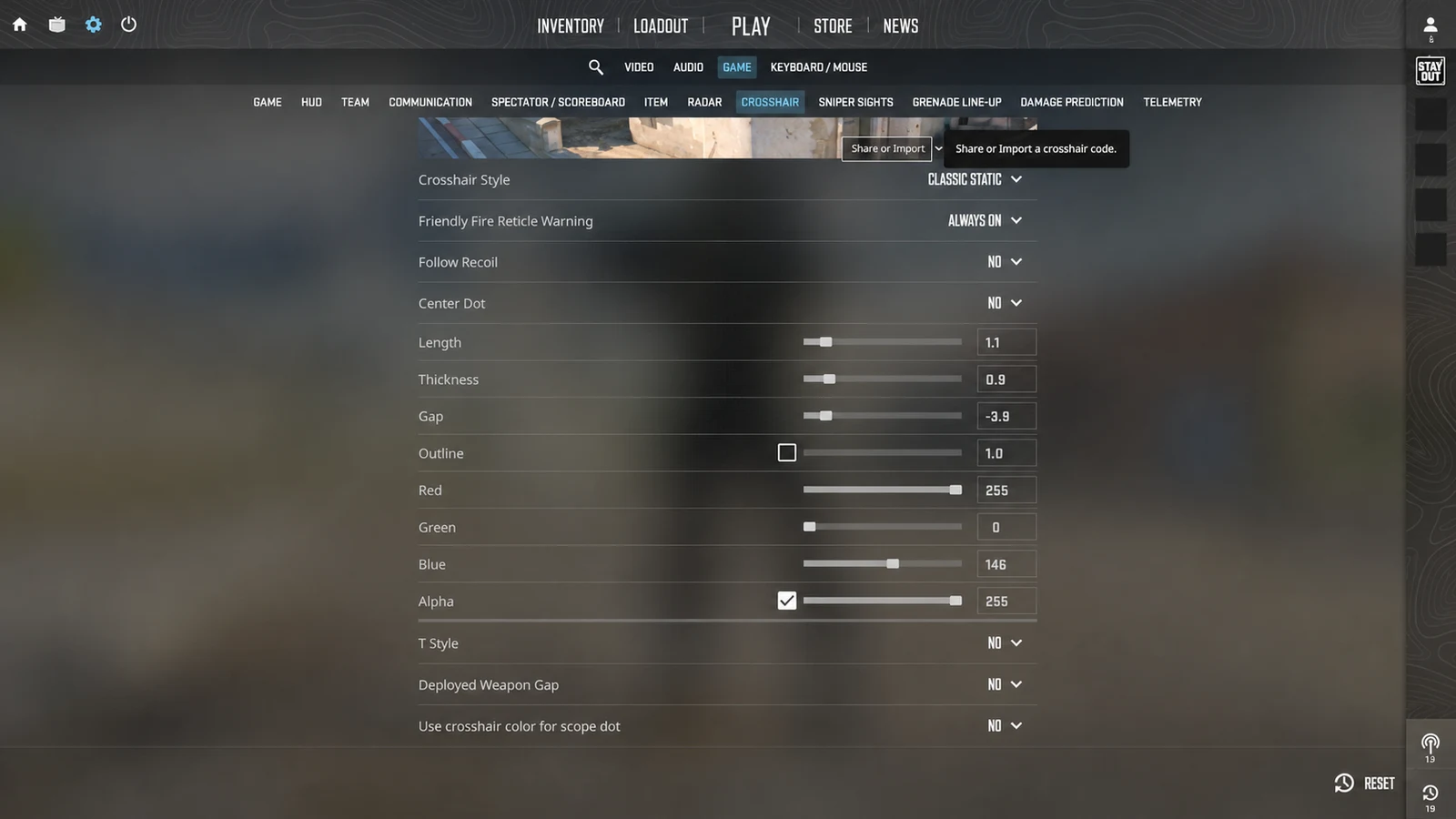
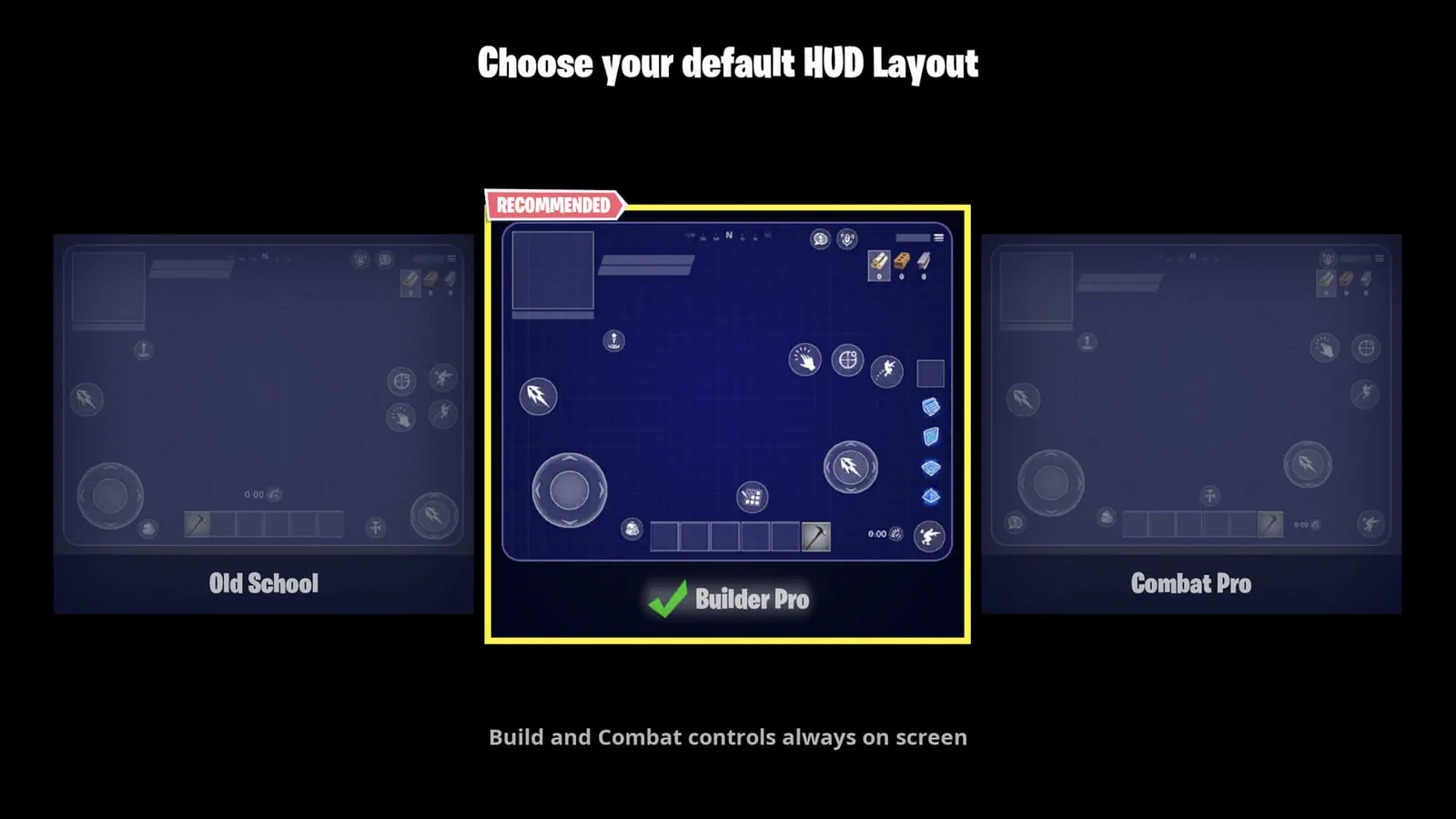
Find Roblox camera, Shift Lock, crosshair, and mobile touch settings without confusing experience-specific reticles with a platform-wide import code.
Use the native path for each device—not a code.
- Universal code
- Does not exist
- Desktop path
- Experience settings
- Mobile path
- Experience HUD
1. Start with the platform-wide limitation
Roblox does not provide one universal player crosshair setting or a platform-wide import format. A shooter may expose Crosshair, Reticle, HUD, Scope, Controls, or Accessibility options, while another experience may lock its reticle completely.
This difference is intentional: Roblox creators can customize mouse icons and build device-specific interface controls. A setting or code from one experience therefore has no guaranteed meaning in another.
- Always name the exact Roblox experience.
- Separate camera settings from reticle settings.
- Do not describe an experience-specific code as a universal Roblox code.
- Expect mouse, gamepad, and touch interfaces to differ.
2. Configure camera and aiming on PC or Mac
- 01Join experience
- 02Esc / Settings
- 03Experience settings
- 04Crosshair / HUD
Join the experience, press Esc, and open Settings. If the creator has not locked the camera, choose Classic or Follow. Shift Lock Switch may also appear; enable it, close the menu, and press Shift to test the locked camera mode.
Then open the experience's own gear or settings panel. Look for Crosshair, Reticle, HUD, Controls, Scope, or Accessibility. Change one value at a time and test it in the same experience.
Shift Lock changes camera behavior. It does not create, recolor, or transfer a reticle.
3. Configure touch aiming on phone or tablet
Open the Roblox menu inside the experience. Settings contains camera and accessibility preferences, while Help shows the mobile gestures and controls available to the current device.
Return to the experience and open its own settings. If it provides a HUD editor, keep the fire, aim, jump, movement, and interaction controls away from the center. If no reticle option exists, Roblox has no global mobile switch that can add one.
- Use the experience's own HUD or Controls menu when available.
- Keep the center clear of translucent touch buttons.
- Do not assume desktop Shift Lock exists on touch devices.
- Test the exact phone or tablet orientation the experience supports.
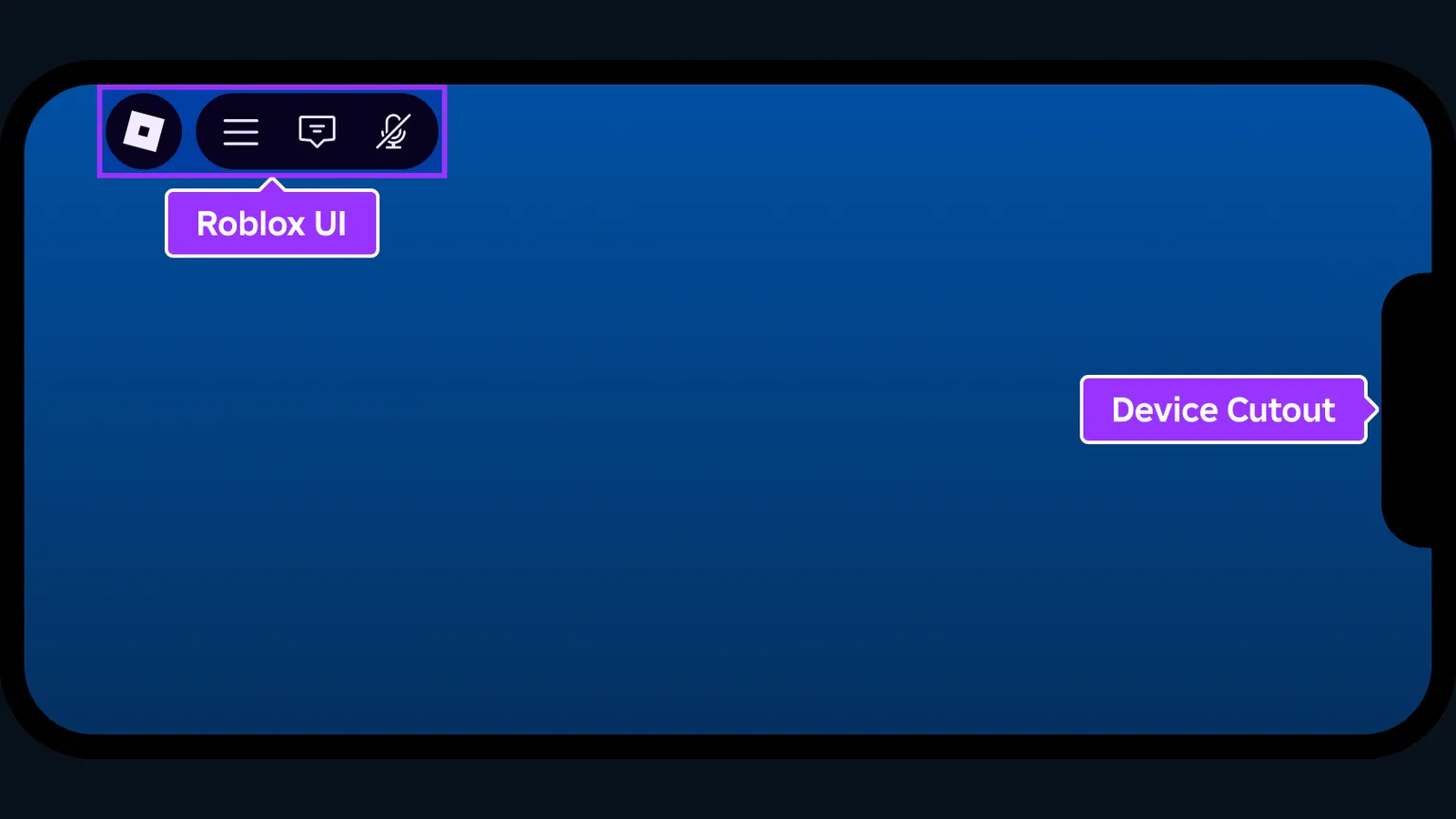
Interface captures are cleaned and anonymized for clarity. Minor labels may move after a game update.
4. Understand why creators control the result
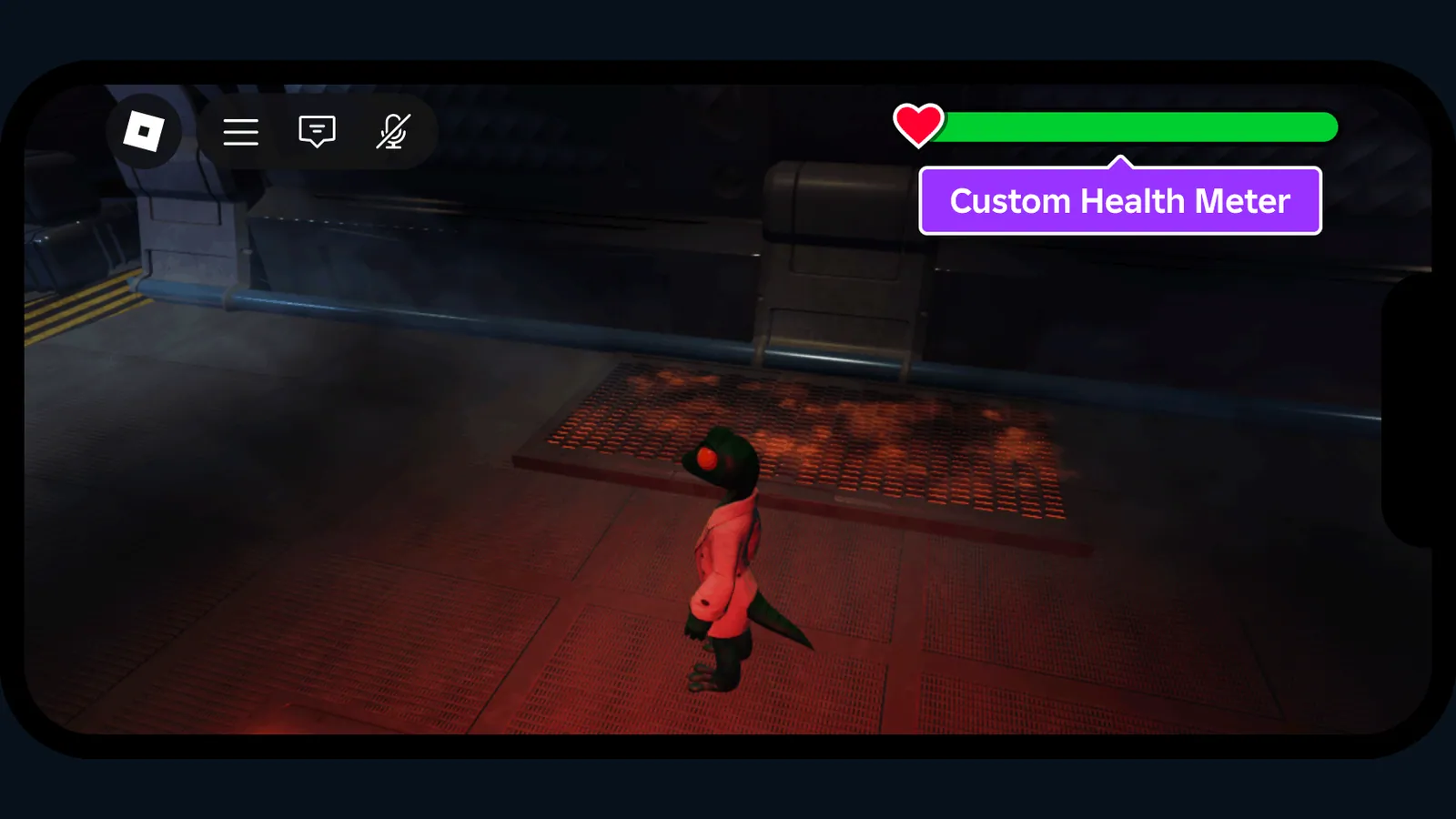
Roblox's creator tools allow an experience to set a custom mouse icon and to bind actions separately for keyboard and mouse, gamepad, and touch. Touch-enabled devices can also receive creator-positioned on-screen buttons.
For players, that means the correct instructions come from the experience's settings or documentation. For creators, it means a cross-platform reticle should be tested with multiple input types and small-screen safe areas rather than built only around a desktop cursor.
Interface captures are cleaned and anonymized for clarity. Minor labels may move after a game update.
5. Troubleshoot a missing setting
If Shift Lock is missing, the experience may have disabled it or replaced the default camera. If a reticle setting is missing, check the experience's menu, help page, or update notes before assuming it exists.
When PC instructions do not match mobile, verify whether the experience offers separate touch controls. A mobile lock-on or aim button must be supplied by the experience; it is not automatically created from the desktop Shift Lock option.
Official references used for this guide
We compare the in-game paths shown above with the publisher's current support material. Menu labels can still move after an update.
Common questions
Does Roblox have a universal crosshair setting?
No. Individual experiences can create their own cursor, reticle, HUD, and controls, so available settings vary by game.
Can I import a Roblox crosshair code?
There is no platform-wide Roblox crosshair format. Only a specific experience could implement its own code system.
How do I turn on Shift Lock on PC?
Press Esc, open Settings, enable Shift Lock Switch if it appears, close the menu, and press Shift. The experience may disable or replace it.
How do I change the Roblox crosshair on mobile?
Open the current experience's own settings and look for Crosshair, Reticle, HUD, or Controls. If no option is present, there is no universal mobile override.
Why are mobile controls different from PC?
Roblox experiences can bind keyboard and mouse, gamepad, and touch actions separately and can show custom on-screen buttons for touch users.