Crosshair Guides
Import a native code, understand every visible setting, and tune for the display and device you actually use. 13 focused guides, no filler.
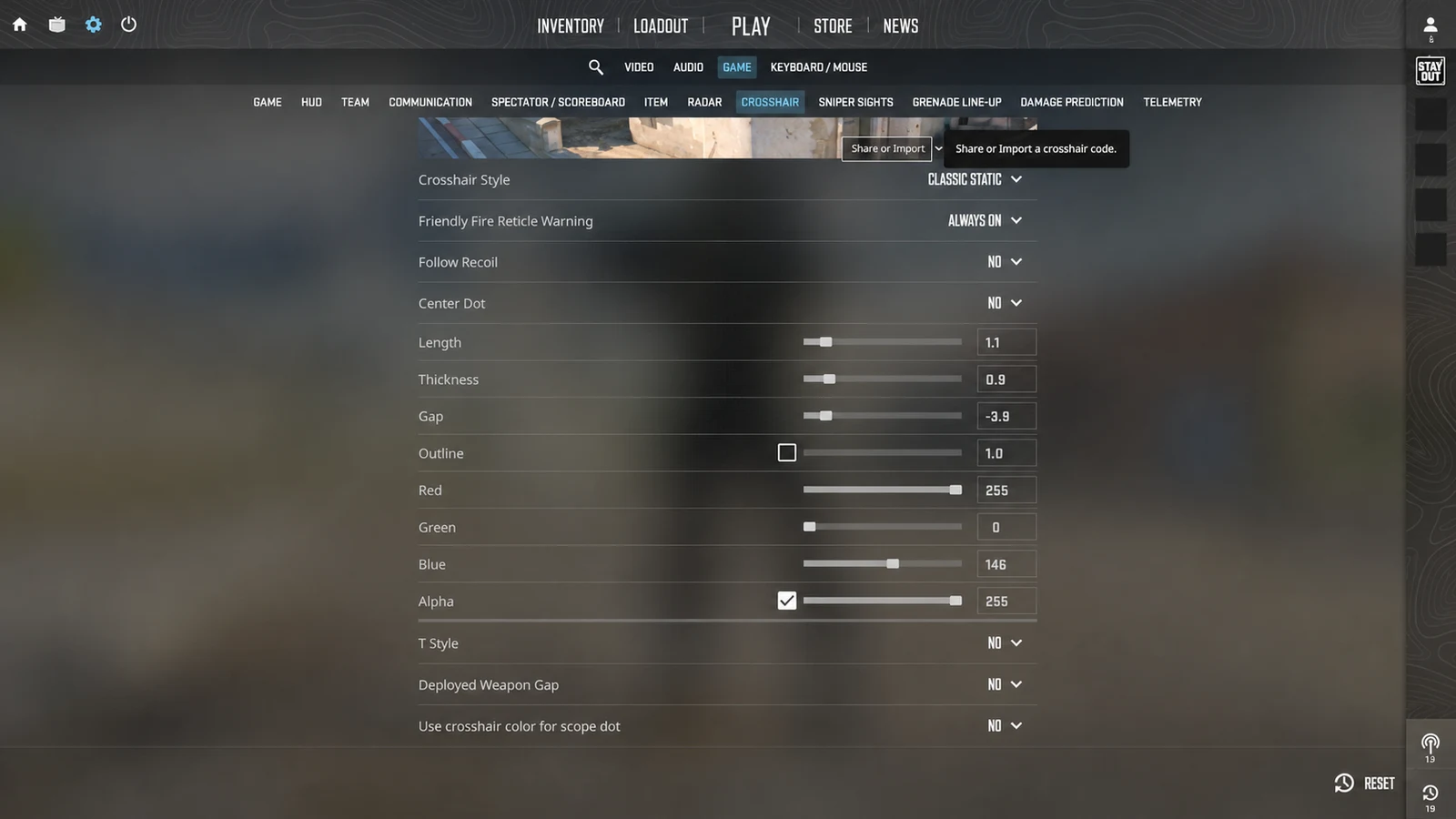
How to Import a Crosshair Code in CS2
Import a CS2 crosshair code through the settings menu, verify the result, and fix the most common paste and profile problems.
Open featured guideStart and import
Move a native code into the correct game and solve common import failures.
CS2 SETTINGSHow to Choose a Crosshair That Actually Works
Choose a readable crosshair by testing color, size, gap, outline, dot, resolution, and visibility in CS2 or VALORANT.
Read guide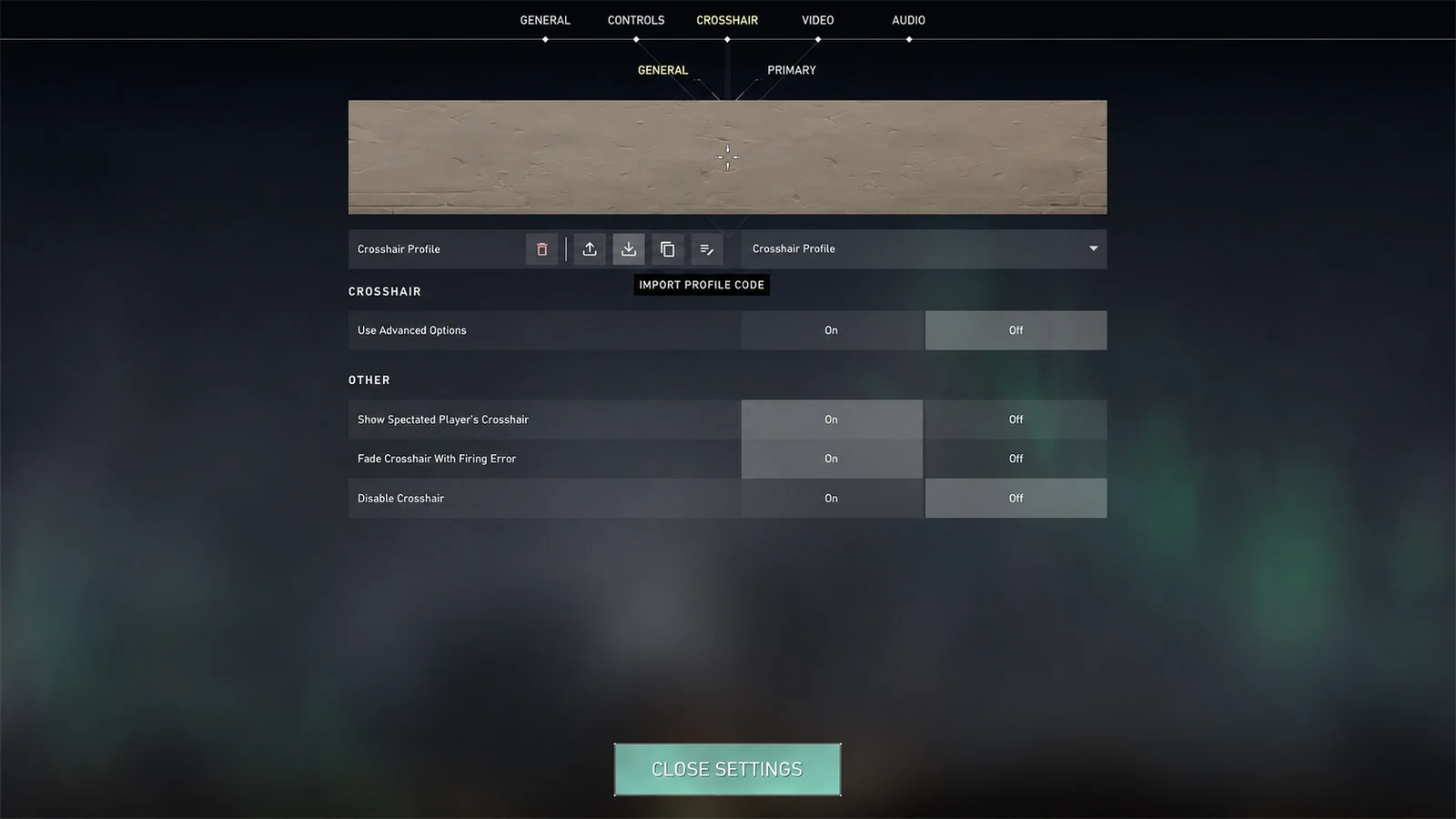 VALORANT SETTINGS
How to Import a Crosshair Code in VALORANT
Import a VALORANT crosshair profile code, select the correct profile, and verify inner lines, outer lines, outlines, and center dot settings.
Read guide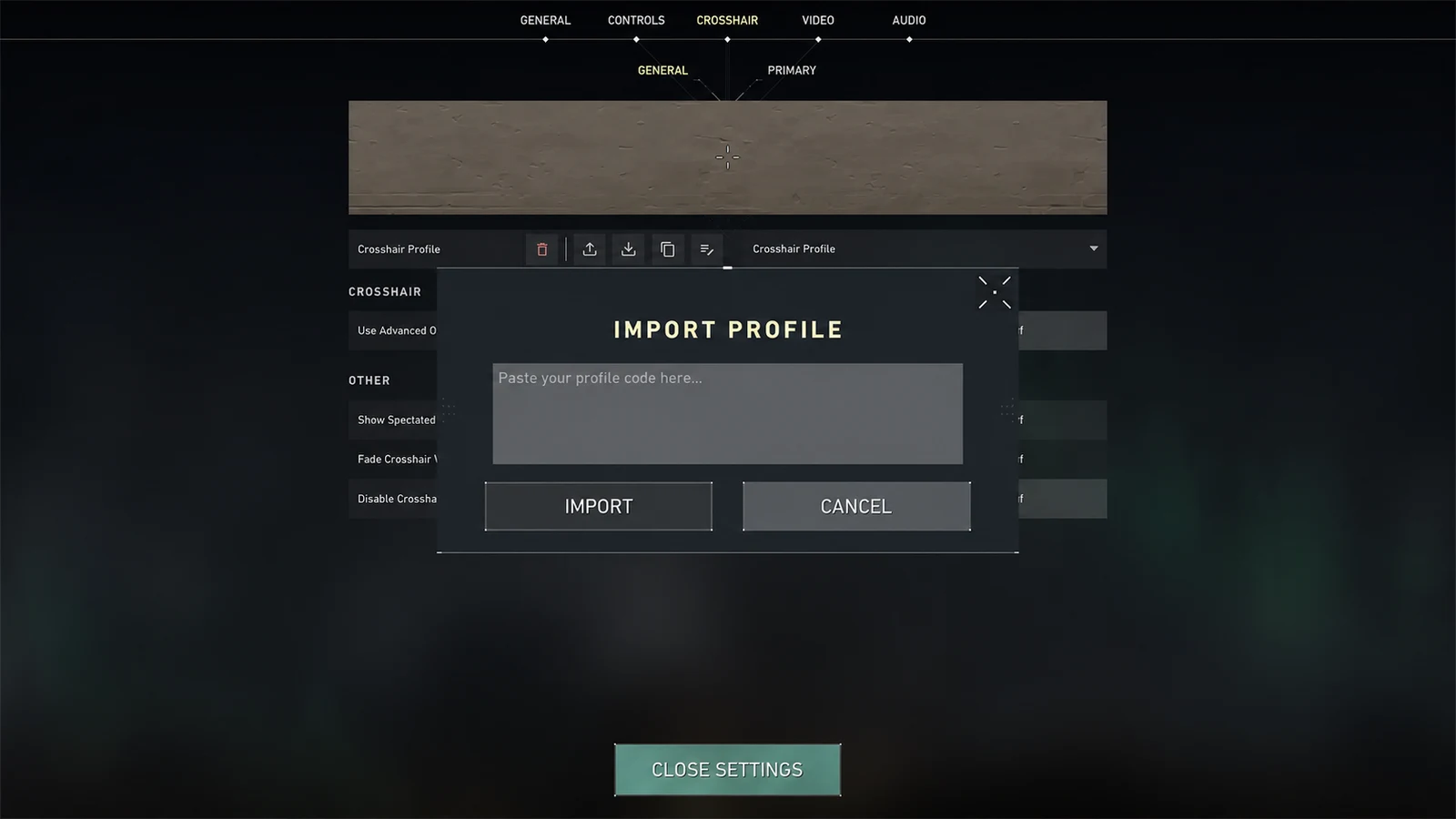 VALORANT IMPORT
How to Fix an Invalid Crosshair Code
Troubleshoot a CS2 or VALORANT crosshair code that is rejected, incomplete, pasted into the wrong field, or imported without a visible change.
Read guideShape and settings
Understand what each visible element contributes before changing it.
 CS2 CROSSHAIR
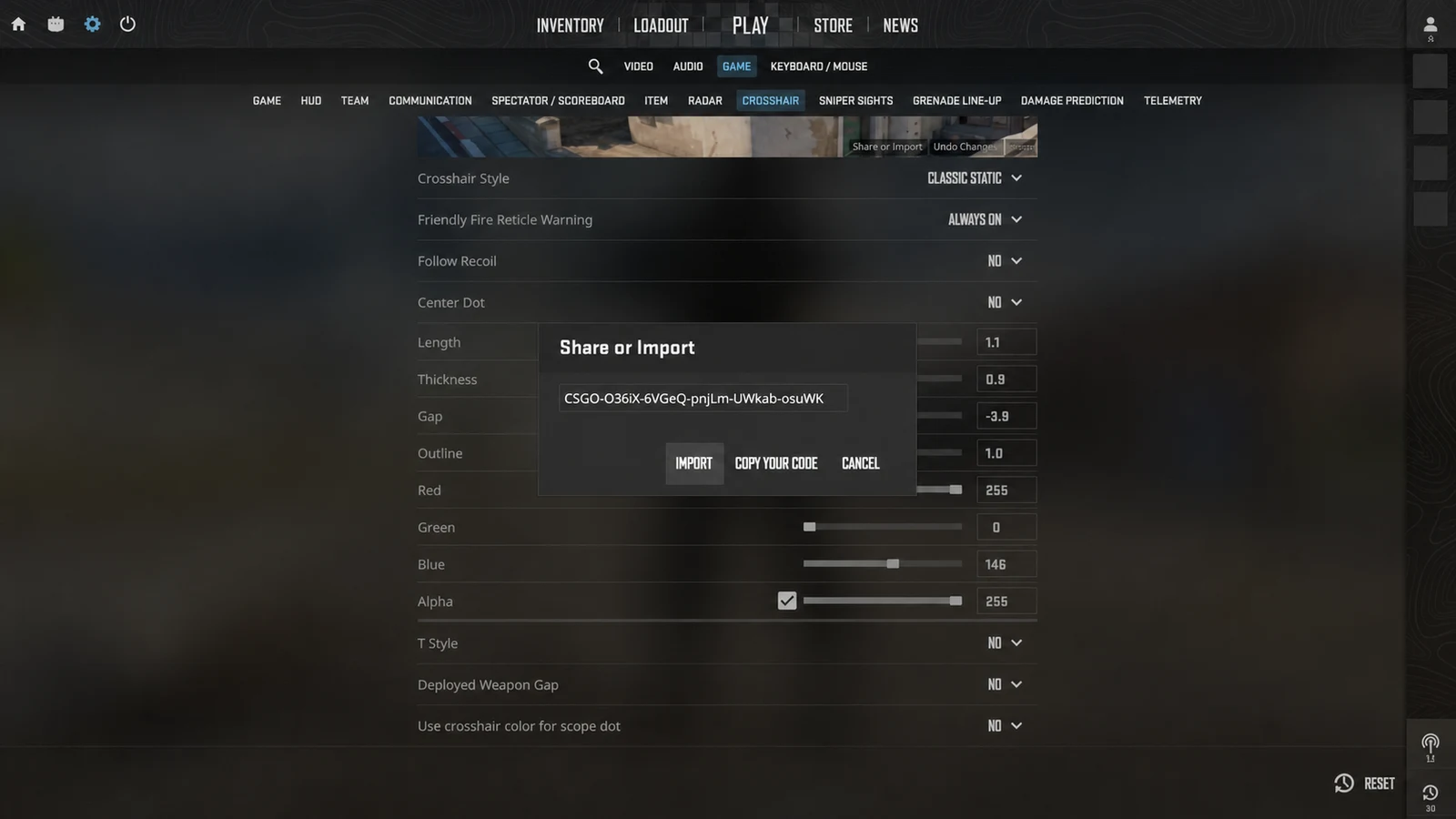
CS2 Crosshair Commands Explained
Understand the main CS2 crosshair console commands for style, size, thickness, gap, color, outline, dot, and alpha.
Read guideVALORANT CROSSHAIRVALORANT Inner Lines vs Outer Lines
Compare VALORANT inner and outer crosshair lines, understand their settings, and build a cleaner profile for tapping, tracking, or movement feedback.
Read guideIN-GAME SETTINGSDot vs Cross Crosshair: Which Should You Use?
Compare dot and four-line crosshairs for precision, visibility, target coverage, tracking, tapping, and different resolutions in CS2 and VALORANT.
Read guidePlatform and device setup
Use the native crosshair options that Fortnite and Roblox actually expose on desktop and mobile.
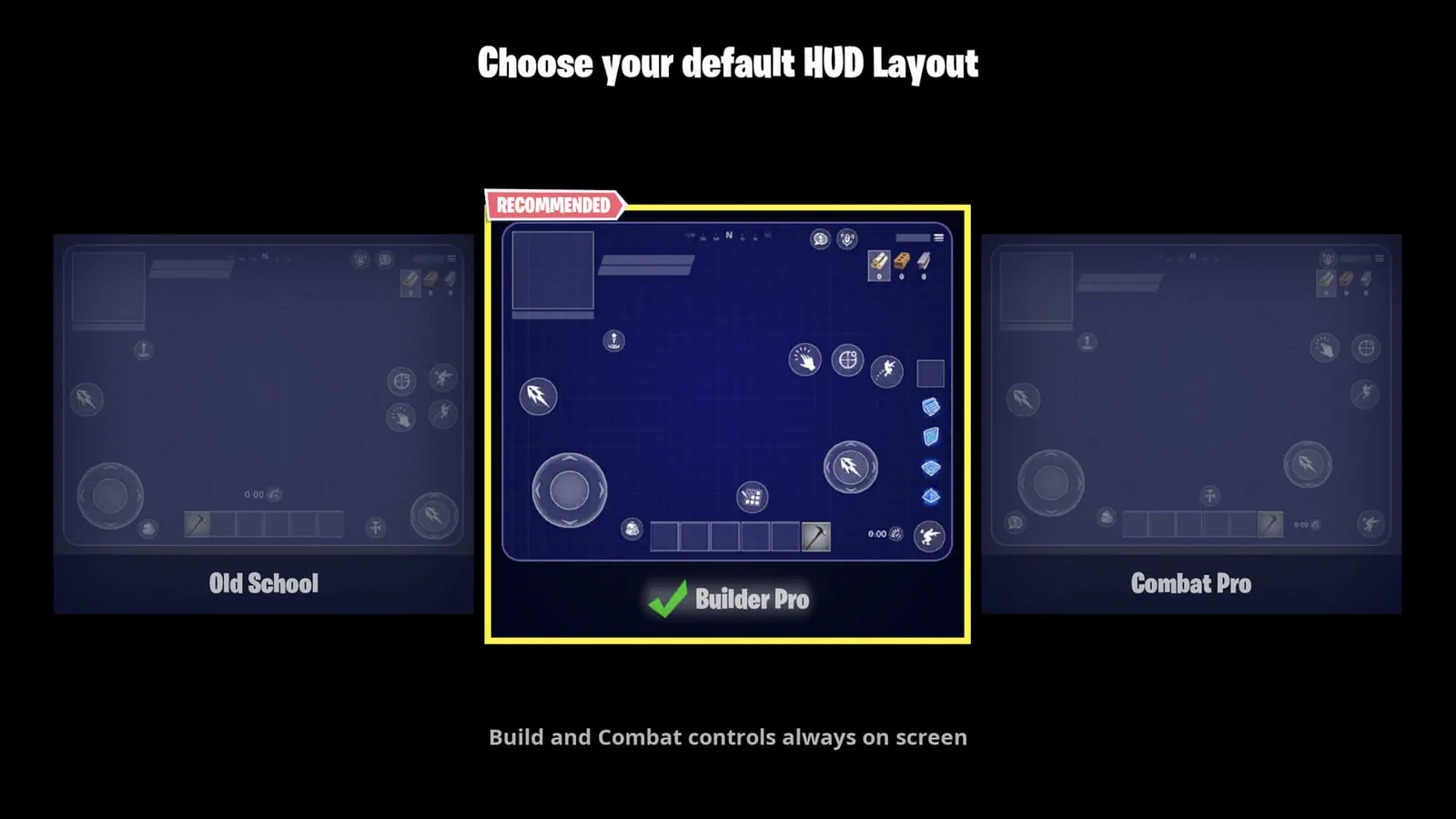 FORTNITE MOBILE
Fortnite Crosshair Settings on PC and Mobile
Set up Fortnite reticle visibility on PC, organize the mobile HUD around the screen center, choose a touch firing mode, and understand the game's native limits.
Read guide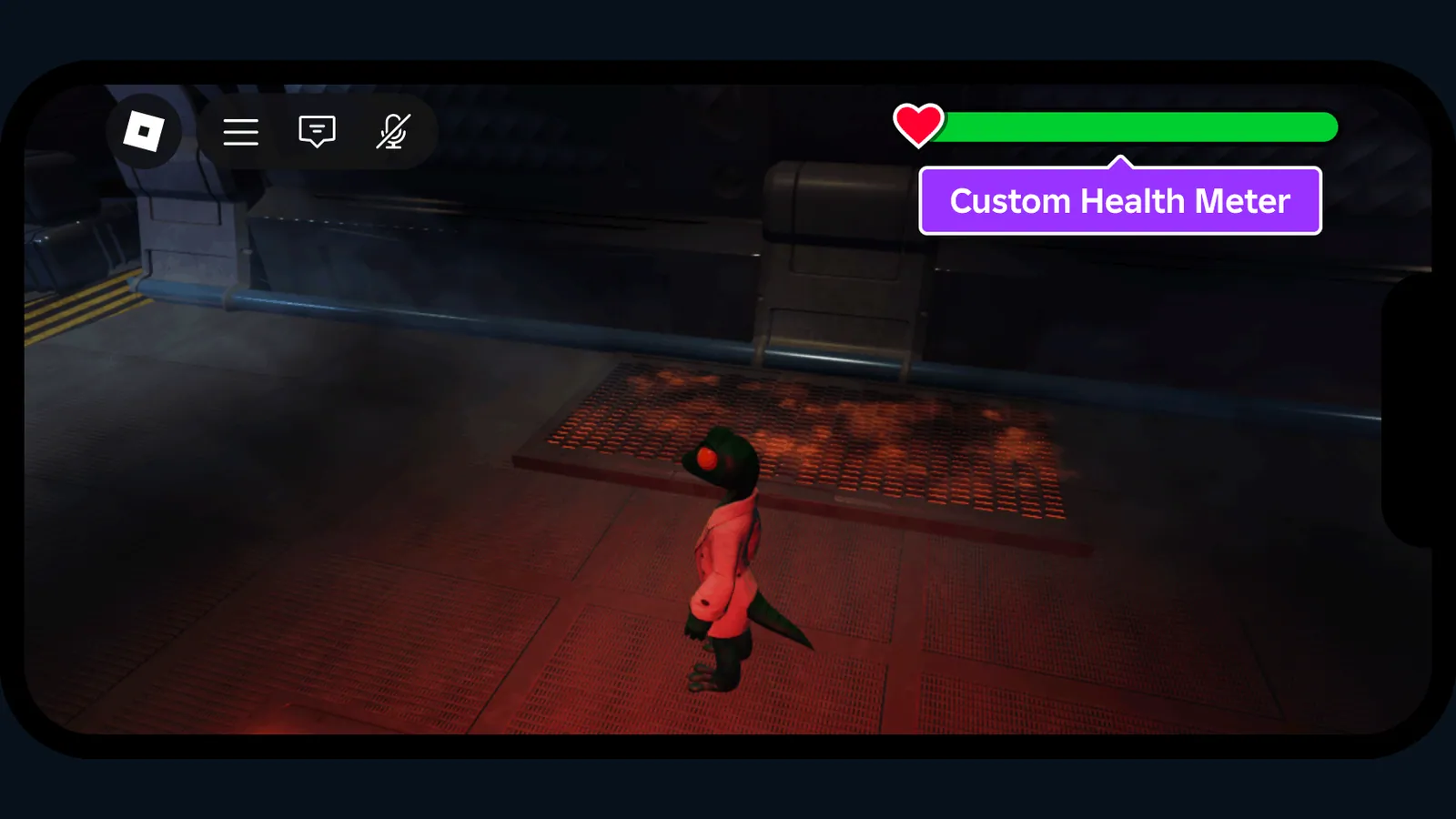 ROBLOX HUD
Roblox Crosshair Settings on PC and Mobile
Find Roblox camera, Shift Lock, crosshair, and mobile touch settings without confusing experience-specific reticles with a platform-wide import code.
Read guideVisibility and display
Keep the center readable across colors, targets, resolutions, and effects.
VALORANT SETTINGSBest Crosshair Colors for Visibility
Choose a high-contrast crosshair color for CS2 or VALORANT and decide when cyan, green, white, yellow, red, or an outline works best.
Read guideCS2 SETTINGSHow Resolution and Scaling Affect Your Crosshair
Understand how resolution, aspect ratio, pixel density, display size, and scaling change the way a CS2 or VALORANT crosshair looks and feels.
Read guideCS2 CROSSHAIRSmall CS2 Crosshairs: Settings and Tradeoffs
Build a small CS2 crosshair with compact size, controlled thickness, negative gap, readable color, and enough visibility for real matches.
Read guideVALORANT CROSSHAIRSmall VALORANT Crosshairs: Clean Profile Guide
Build a small VALORANT crosshair with compact inner lines or a center dot, controlled outlines, and clear visibility during abilities and movement.
Read guideTurn the advice into a working code.
Use a live generator or begin from a copy-ready reference preset.