How the shape reads
Bright green supplies immediate color separation and the outline keeps the dot defined against light scenes.
This is a community catalog label and modeled reference, not a verified official or current setting from Boaster. Copy the native code below only as a starting point, then test and tune it for your own display.
Copy the complete native value below, then paste it into the in-game import control.
0;s;1;P;c;1;o;1;d;1;0l;0;0o;2;0a;1;0f;0;1t;0;1l;0;1o;0;1a;0;S;c;1;o;1The saved Primary profile is modeled as a green center dot with outline enabled. No visible line arms compete with the central mark.
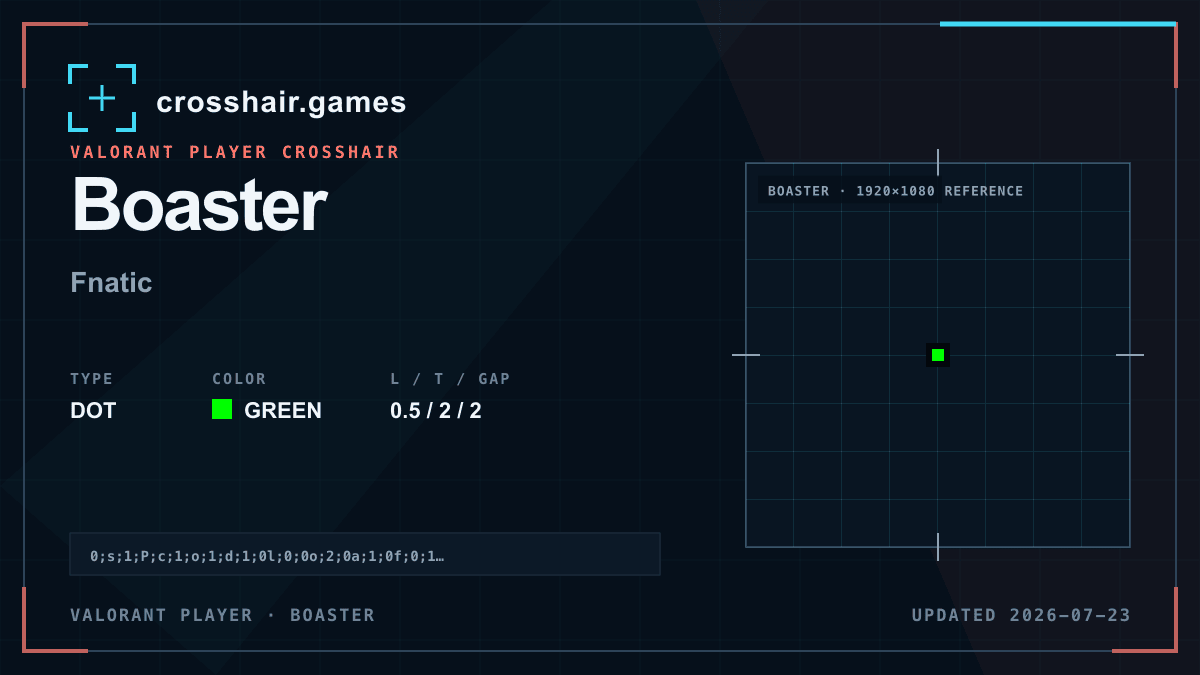
Bright green supplies immediate color separation and the outline keeps the dot defined against light scenes.
A minimal dot option for players comparing exact center marks without four-line framing.
The two-unit modeled dot and border can cover small distant targets, while the lack of arms offers less visual recovery guidance.
Compare a one-unit dot or a no-outline duplicate before lowering opacity, which can make recovery less consistent.
The code is copied locally in your browser. No account or upload is involved.
Open VALORANT and go to Settings → Crosshair.
Select Import Profile Code beside the crosshair profile list.
Paste the copied code and choose Import.
Try the crosshair in the Practice Range before using it in a match.
Compare another dot profile before choosing your final setup.