VALORANT
VALORANT SHAPE COLLECTION
VALORANT Dot Crosshairs and Codes
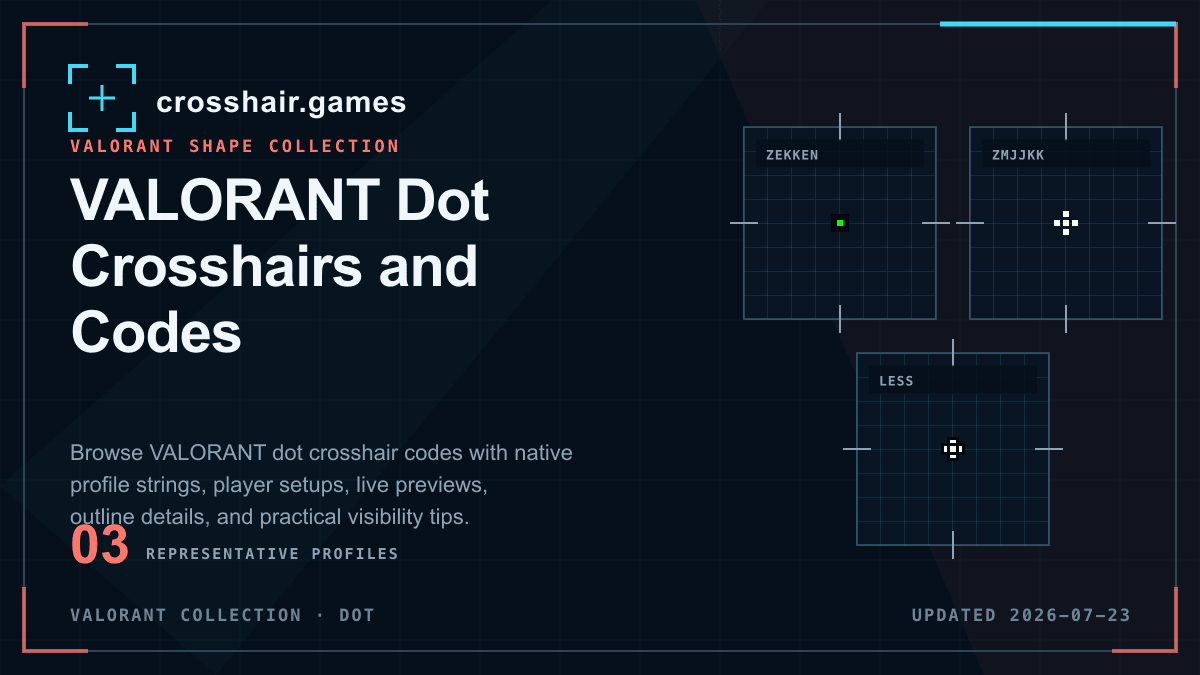
VALORANT dot crosshairs reduce the reticle to one compact center reference. This collection includes saved reference presets with the center dot enabled, including pure dots and hybrid shapes.
WHAT THIS COLLECTION INCLUDES
Compare the setting, not only the catalog label.
A pure dot disables visible line groups; a hybrid profile can combine the center dot with inner or outer lines. The native profile code may also contain ADS or sniper settings beyond the modeled Primary preview.
Named presets and team tags are community catalog labels, not verified current player settings, affiliations, or endorsements.
COPY-READY PROFILES
Dot crosshairs for VALORANT
Open any reference preset for its native code, modeled settings, import instructions, and related setups. Detail pages remain out of Search until their attribution can be verified.
VALORANT
VALORANT
VALORANT
VALORANT
VALORANT
VALORANT
VALORANT
VALORANT
VALORANT
VALORANT
VALORANT
PRACTICAL CHECKS
Before you keep the profile
Import first, then evaluate the shape in the game and resolution you use.
Keep the dot distinct
Outline and high-contrast color can protect a small dot during bright ability effects without adding long arms.
Judge target coverage
Check whether the dot hides a distant head. If it does, reduce size or outline before reducing opacity.
Inspect every group
After import, check Primary, ADS, and sniper settings because a profile string can carry more than the visible center dot.
FAQ
Dot crosshairs questions
How do I make a dot crosshair in VALORANT?
Enable the center dot, choose its size and opacity, then disable inner and outer lines for a pure dot or keep compact lines for a hybrid.
Should a VALORANT dot use an outline?
A thin outline often improves visibility, but too much outline increases perceived size and can cover small targets.
Can I import these VALORANT dot codes directly?
Yes. Copy the complete profile string and paste it into Settings → Crosshair → Import Profile Code.