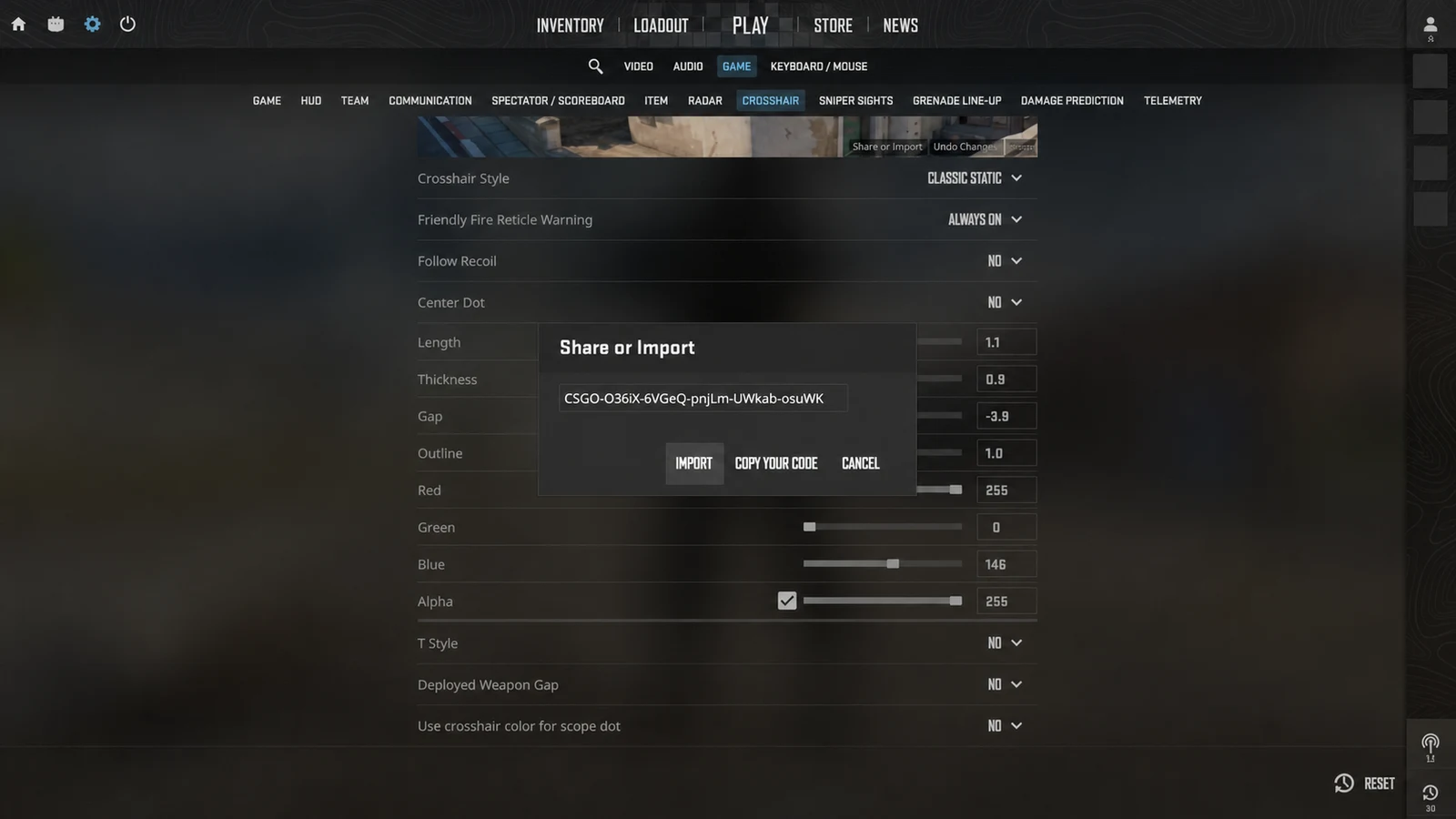
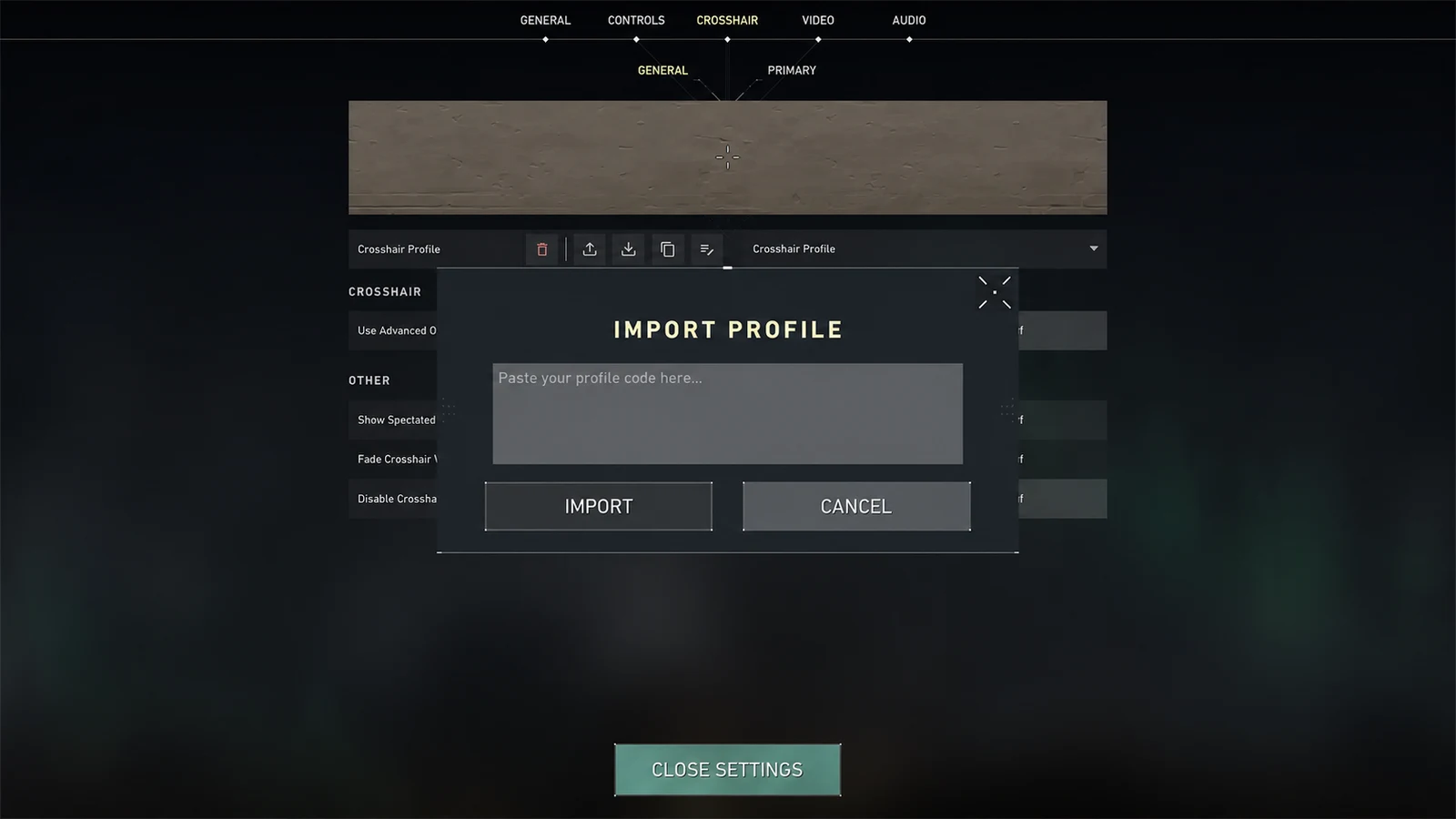
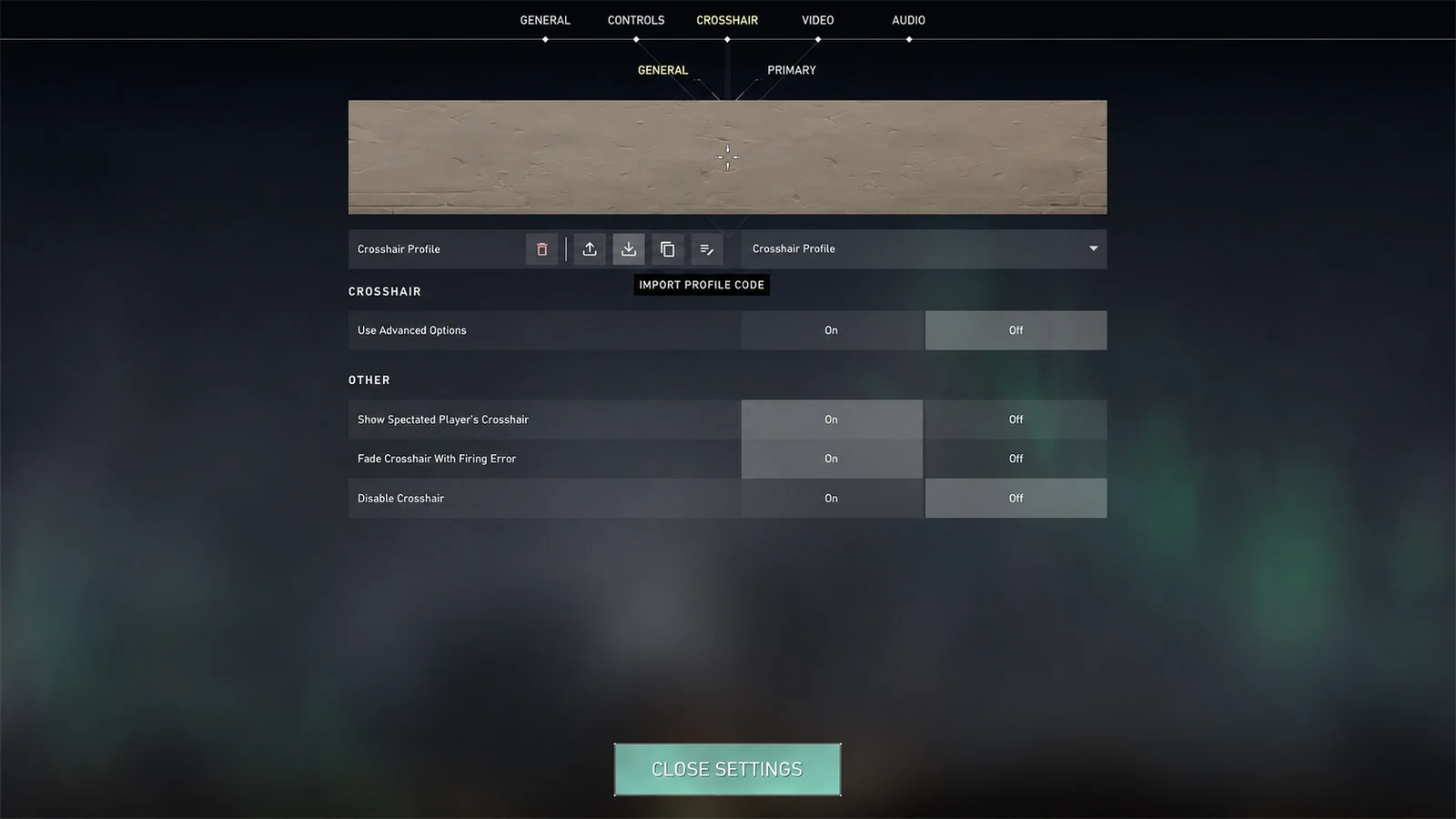
Compare dot and four-line crosshairs for precision, visibility, target coverage, tracking, tapping, and different resolutions in CS2 and VALORANT.
1. A dot favors a quiet, exact center
A center dot removes directional arms and keeps the shape simple. It can feel direct for deliberate taps and for players who already maintain reliable screen-center awareness.
The tradeoff is target coverage. A dot that is thick enough to survive every background may cover a distant head, while a tiny dot can disappear during fast movement. Outline and color become especially important because there are no arms to help you relocate it.
2. A cross provides orientation and an open center
Four arms make a cross easier to recover after a flick or visual effect. The gap can leave the exact target visible while the lines frame it, and line length gives a stronger peripheral cue than a small dot.
A cross can become noisy when its arms are too long, too thick, or layered with movement indicators. Compact geometry usually preserves the visibility advantage without dominating the center of the screen.
3. Choose by failure mode
If you often lose the crosshair, begin with a compact cross in a bright color. If you consistently find the center but the lines distract you or cover nearby detail, test a dot. This turns the choice into a response to a real problem.
Resolution matters. A one-pixel dot can be crisp on one setup and hard to distinguish on another. Test both shapes on the same display, at the same resolution, and against the same surfaces.
- Choose a dot when minimal visual noise is more important than orientation.
- Choose a cross when quick visual recovery and an open center matter more.
- Choose a hybrid when a small dot plus short lines remains readable without covering the target.
4. Run a controlled comparison
Create one dot and one compact cross with the same color and similar perceived weight. Spend a short practice block on close tracking, medium-range bursts, and distant taps with each.
Do not judge from a static screenshot alone. Note whether you lose the reticle, hesitate over the exact center, or cover the target. Keep the shape that reduces the most frequent problem, then adjust only size or outline.
Common questions
Is a dot crosshair more accurate?
No shape changes weapon accuracy. A dot can communicate the center clearly, but it may cover small targets or disappear if it is too small.
Why are cross crosshairs easier to see?
The four arms create a larger visual cue while the gap can keep the target visible at the exact center.
Can I combine a dot and cross lines?
Yes. Both CS2 and VALORANT can use a center dot with line geometry, but the combined shape should remain compact enough to avoid clutter.