How the shape reads
Cyan separates from many warm and neutral scenes, while two-unit thickness keeps the short arms readable through movement and effects.
This is a community catalog label and modeled reference, not a verified official or current setting from TenZ. Copy the native code below only as a starting point, then test and tune it for your own display.
Copy the complete native value below, then paste it into the in-game import control.
0;s;1;P;c;5;o;0;f;0;0l;2;0v;2;0g;1;0o;1;0a;1;0f;0;1b;0The modeled Primary shape uses cyan two-by-two inner lines with a one-unit offset and no outline or center dot. It is compact, square-edged, and visually direct.
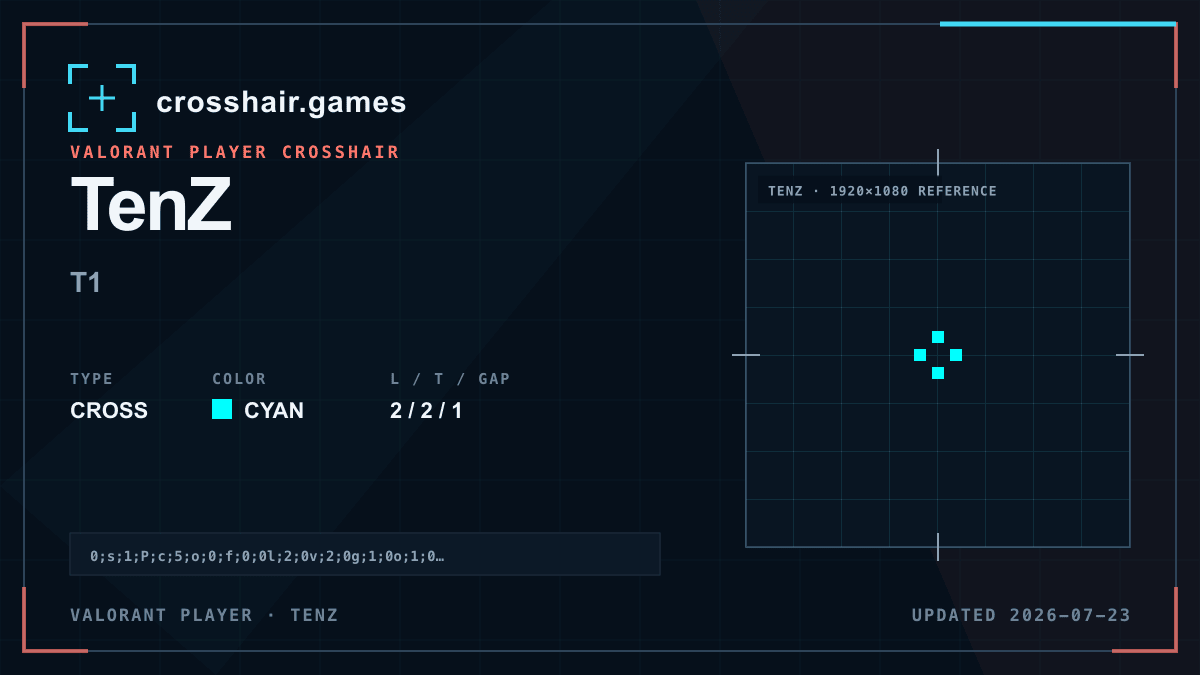
Cyan separates from many warm and neutral scenes, while two-unit thickness keeps the short arms readable through movement and effects.
A strong general-purpose baseline for players who want a small four-line cross with a clear open center.
Without an outline, cyan can lose contrast in blue or bright scenes, and the solid line weight may feel larger on lower resolutions.
If the shape feels heavy, reduce thickness before shortening the already compact lines; if it disappears, compare an outlined duplicate.
The code is copied locally in your browser. No account or upload is involved.
Open VALORANT and go to Settings → Crosshair.
Select Import Profile Code beside the crosshair profile list.
Paste the copied code and choose Import.
Try the crosshair in the Practice Range before using it in a match.
Compare another cross profile before choosing your final setup.