Compare VALORANT inner and outer crosshair lines, understand their settings, and build a cleaner profile for tapping, tracking, or movement feedback.
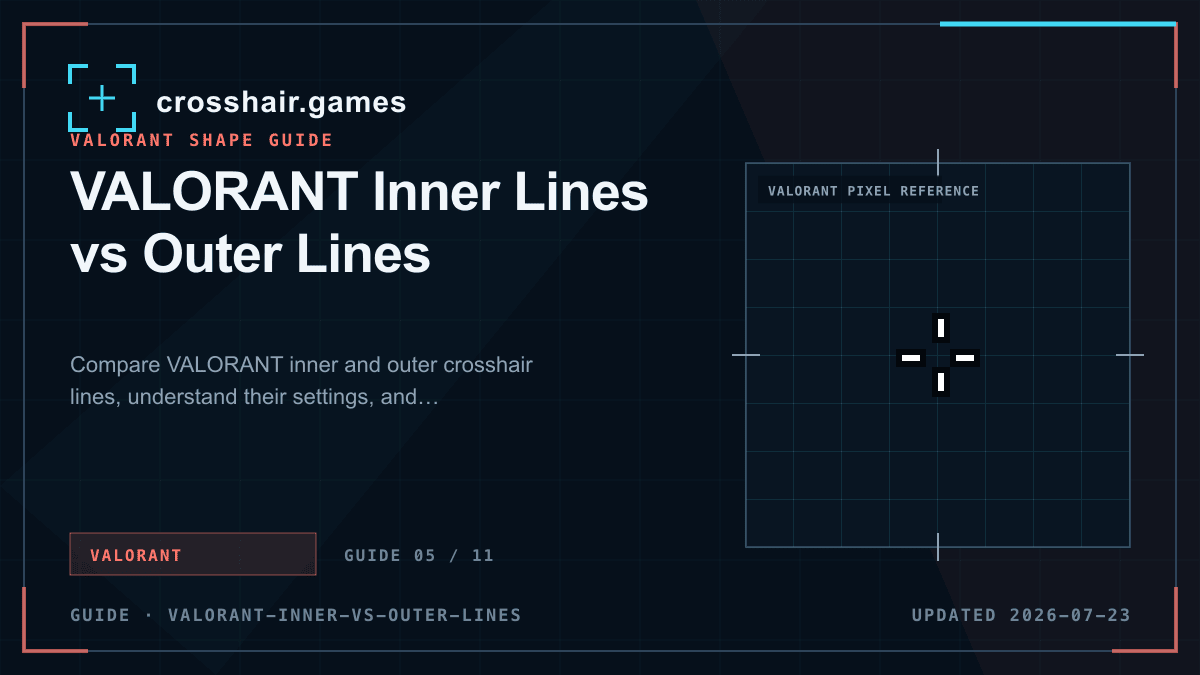
1. Inner lines define the primary aiming shape
Inner lines sit closest to the center and usually carry the most important geometry: opacity, length, thickness, and offset. A compact four-line shape gives a clear center while leaving a small window around the target.
When a profile feels too large, reduce inner-line length before making the lines extremely thin. Very thin lines can lose contrast during motion or bright ability effects, especially on a dense display.
2. Outer lines add a second visual layer
Outer lines can frame the inner shape, create a larger reference, or display movement and firing error independently. They are useful when that extra feedback answers a specific need.
If outer lines merely duplicate the inner cross, they often add clutter. Disable them first when simplifying an imported profile. You can always restore a low-opacity outer layer after the central shape is readable.
3. Decide whether you need error indicators
Movement error and firing error can expand a line group to show when accuracy changes. That feedback helps some players learn timing, but a moving crosshair can also distract from a stable center reference.
For a quiet competitive setup, begin with both errors disabled. Turn on only the indicator you intend to observe, use it during practice, and decide whether its information remains useful once the timing becomes familiar.
4. Start from one of three clean structures
A compact inner-line cross is the most familiar general-purpose structure. A center dot with no lines gives the least visual noise. A small inner cross plus faint outer lines offers extra orientation without allowing the second layer to dominate.
Whichever structure you choose, test it against light and dark surfaces and at distant head size. The center should remain obvious while the target stays visible through or around it.
- Minimal: center dot on, inner and outer lines off.
- General purpose: compact inner lines on, outer lines off.
- Layered: inner lines dominant, outer lines shorter or less opaque.
Common questions
Do VALORANT crosshairs need outer lines?
No. Many clear profiles use only inner lines or only a center dot. Outer lines are optional feedback or framing.
Which lines should I change first?
Treat inner lines as the primary shape. If an imported crosshair feels busy, disable outer lines before changing every value.
Can movement error use only outer lines?
VALORANT lets line groups use their own error settings, so outer lines can provide feedback while the inner shape stays stable.