VALORANT
VALORANT COLOR COLLECTION
Cyan VALORANT Crosshairs and Codes
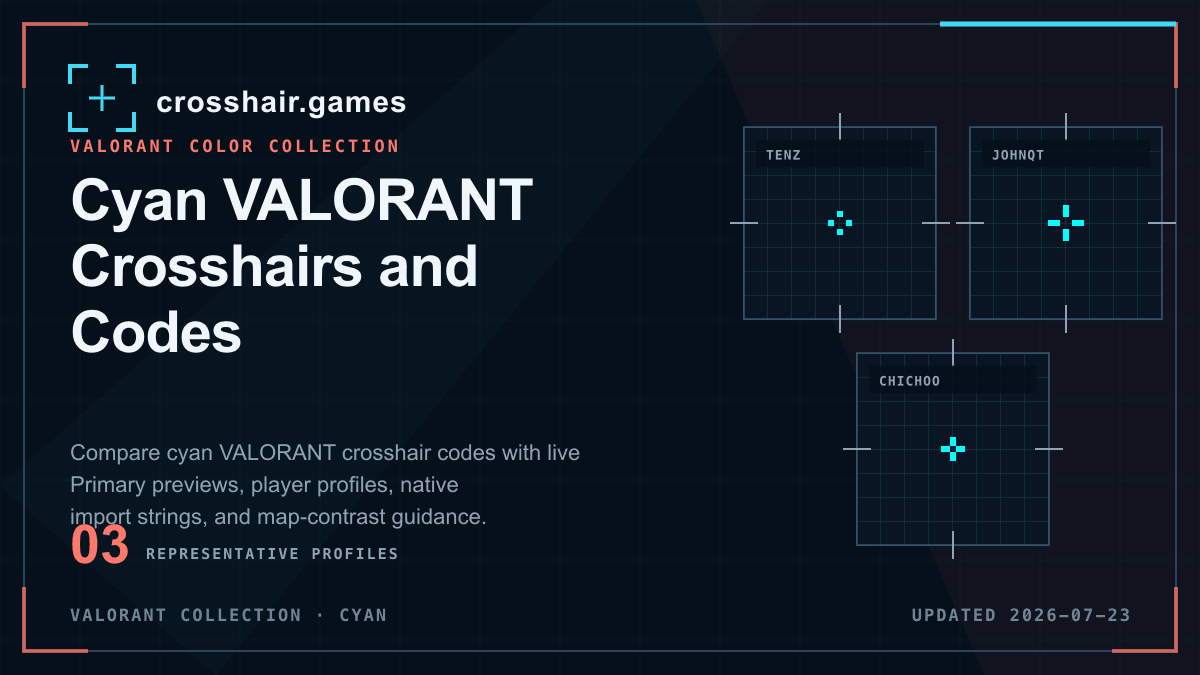
Cyan is a popular high-contrast starting color in VALORANT. These saved profiles show how cyan works across compact and larger line structures, with and without outlines.
WHAT THIS COLLECTION INCLUDES
Compare the setting, not only the catalog label.
This collection includes profiles labeled cyan. Monitor calibration, digital vibrance, color filters, and map lighting can change how the same code appears on another setup.
Named presets and team tags are community catalog labels, not verified current player settings, affiliations, or endorsements.
COPY-READY PROFILES
Cyan crosshairs for VALORANT
Open any reference preset for its native code, modeled settings, import instructions, and related setups. Detail pages remain out of Search until their attribution can be verified.
VALORANT
VALORANT
VALORANT
VALORANT
VALORANT
VALORANT
VALORANT
VALORANT
VALORANT
VALORANT
PRACTICAL CHECKS
Before you keep the profile
Import first, then evaluate the shape in the game and resolution you use.
Test blue lighting
Cyan stands out in many warm scenes but can weaken against blue walls and effects. Test its least favorable backgrounds.
Add outline only when needed
A dark outline can restore separation without increasing line length, especially on pale or similarly colored scenes.
Compare geometry first
Profiles with the same color can feel completely different because length, thickness, offset, and line groups control the structure.
FAQ
Cyan crosshairs questions
Why is cyan common for VALORANT crosshairs?
It contrasts with many warm and neutral map surfaces, making it a practical starting point for visibility testing.
Does cyan always need an outline?
No. Use an outline only if the shape disappears on pale or blue backgrounds; many cyan profiles remain clear without one.
Can I change the color after importing a profile?
Yes. Import the profile, then edit its Primary color while preserving the line geometry you want to test.