CS2
CS2 SHAPE COLLECTION
CS2 Dot Crosshairs and Codes
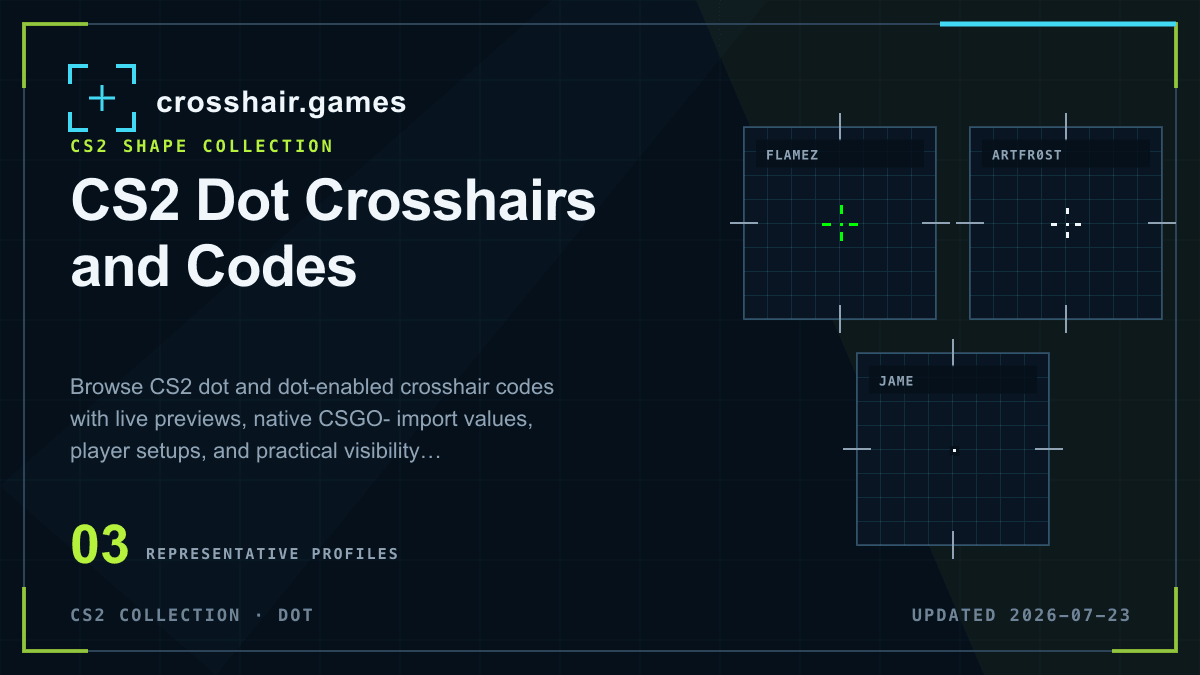
Dot crosshairs place a compact mark at screen center. This collection includes pure dots and hybrid profiles with the center dot enabled, so you can compare minimal target coverage with extra line guidance.
WHAT THIS COLLECTION INCLUDES
Compare the setting, not only the catalog label.
A pure dot removes the four arms, while a dot-enabled hybrid keeps short lines around the center. The saved import code remains the authoritative profile; previews model the primary geometry for comparison.
Named presets and team tags are community catalog labels, not verified current player settings, affiliations, or endorsements.
COPY-READY PROFILES
Dot crosshairs for CS2
Open any reference preset for its native code, modeled settings, import instructions, and related setups. Detail pages remain out of Search until their attribution can be verified.
CS2
ArtFr0st
BetBoom Team · SniperArtFr0st's white hybrid setup for Counter-Strike 2.
prowhitehybridsniper
CS2
CS2
PRACTICAL CHECKS
Before you keep the profile
Import first, then evaluate the shape in the game and resolution you use.
Protect distant targets
A thick dot can cover a distant head. Test the imported profile at range before increasing its size.
Use contrast before scale
If a tiny dot disappears, try a brighter color or thin outline before making it substantially larger.
Compare pure and hybrid
Short arms can make the center easier to recover after a flick while keeping the dot as the exact aiming reference.
FAQ
Dot crosshairs questions
Are dot crosshairs good in CS2?
They can provide a quiet, exact center for deliberate aim, but a dot must remain visible without covering distant targets.
Can a CS2 crosshair use both a dot and lines?
Yes. A center dot can be enabled with the four crosshair arms to create a hybrid profile.
How do I import a CS2 dot crosshair?
Open a setup, copy its complete CSGO- value, and paste it into Settings → Game → Crosshair → Share or Import.