CS2
CS2 SIZE COLLECTION
Small CS2 Crosshairs and Codes
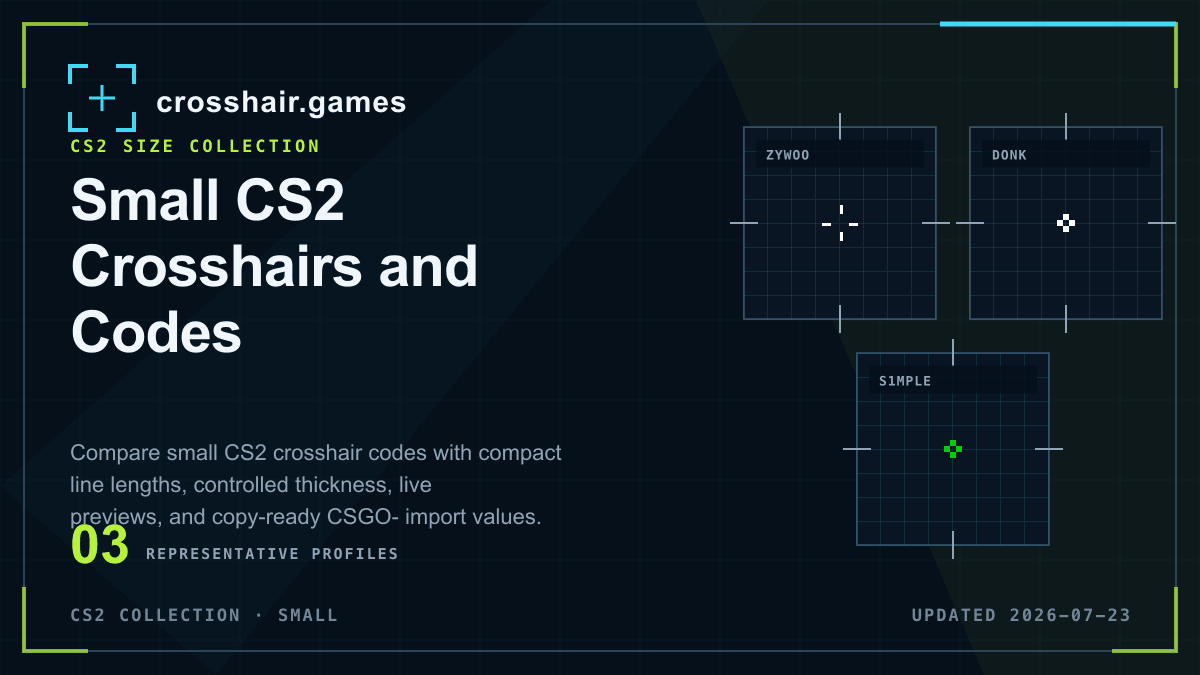
Small CS2 crosshairs preserve target detail and keep the center visually quiet. These saved profiles use compact modeled line lengths and let you compare gap, thickness, color, and outline without rebuilding settings from screenshots.
WHAT THIS COLLECTION INCLUDES
Compare the setting, not only the catalog label.
For this collection, a small profile has modeled line length of 1.5 or less and thickness no greater than 1.5. Perceived size still changes with resolution and rasterization, so the imported result should be checked in game.
Named presets and team tags are community catalog labels, not verified current player settings, affiliations, or endorsements.
COPY-READY PROFILES
Small crosshairs for CS2
Open any reference preset for its native code, modeled settings, import instructions, and related setups. Detail pages remain out of Search until their attribution can be verified.
CS2
CS2
CS2
CS2
CS2
CS2
CS2
CS2
CS2
CS2
CS2
PRACTICAL CHECKS
Before you keep the profile
Import first, then evaluate the shape in the game and resolution you use.
Tune thickness with size
Short lines can disappear when they are also extremely thin. Treat line length and thickness as one visual system.
Watch negative gaps
A compact negative gap works well until thick lines merge and close the center. Check the result against a distant head.
Keep a rollback code
Export your current setup before importing so you can compare the new profile without losing a familiar baseline.
FAQ
Small crosshairs questions
What counts as a small CS2 crosshair?
This collection uses modeled line length of 1.5 or less with thickness no greater than 1.5, then leaves final judgment to the in-game resolution.
Why can a small CS2 crosshair be hard to see?
Very short or thin lines can lose contrast during movement, on bright surfaces, or at high pixel density.
Can I edit a copied small crosshair?
Yes. Import the native code, or open the setup in the generator and tune its primary size, gap, color, outline, and dot settings.