CS2
CS2 COLOR COLLECTION
Green CS2 Crosshairs and Codes
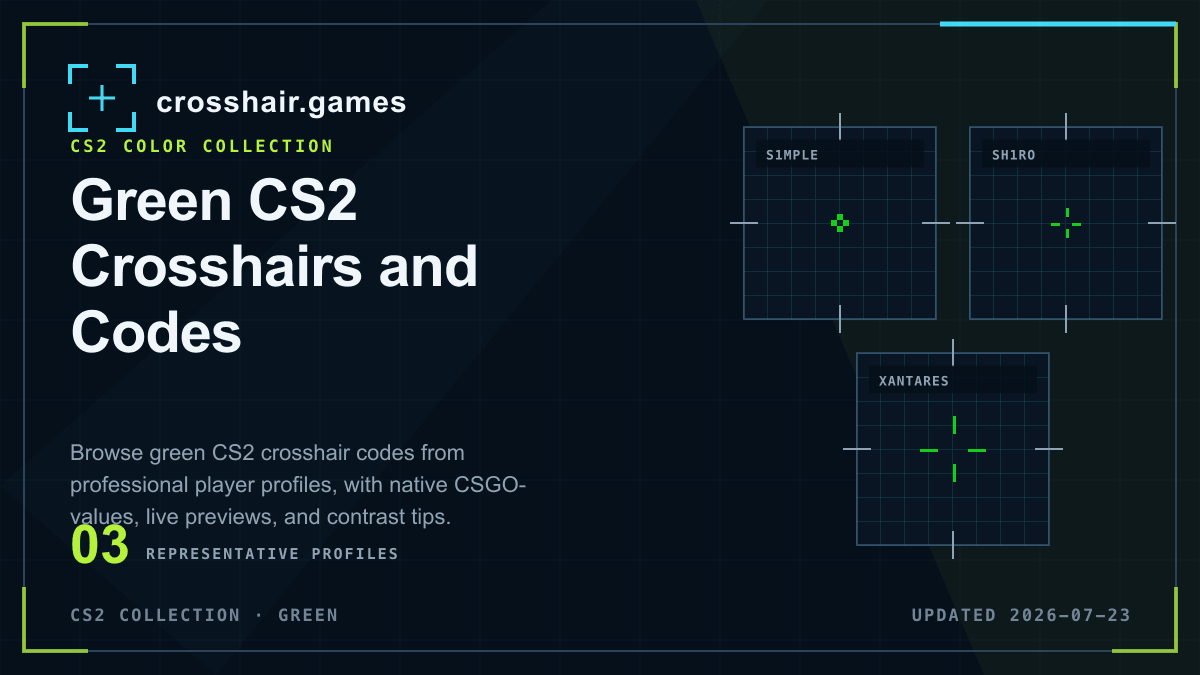
Bright green is a familiar CS2 choice because it separates from many neutral and warm map surfaces. The profiles below show how the same color family behaves with different line lengths, gaps, thicknesses, dots, and outlines.
WHAT THIS COLLECTION INCLUDES
Compare the setting, not only the catalog label.
This collection includes saved profiles labeled green, including nearby bright-green custom RGB values. Exact color output can vary with monitor calibration and in-game display settings.
Named presets and team tags are community catalog labels, not verified current player settings, affiliations, or endorsements.
COPY-READY PROFILES
Green crosshairs for CS2
Open any reference preset for its native code, modeled settings, import instructions, and related setups. Detail pages remain out of Search until their attribution can be verified.
CS2
CS2
CS2
CS2
CS2
CS2
CS2
CS2
CS2
CS2
CS2
PRACTICAL CHECKS
Before you keep the profile
Import first, then evaluate the shape in the game and resolution you use.
Check green environments
Green can lose contrast near foliage or similarly colored effects. Include those scenes in your visibility test.
Preserve geometry
If the color works but the shape does not, change one of gap, size, or thickness at a time instead of replacing the whole setup.
Use outline selectively
A thin dark outline can protect bright green on pale surfaces, but a heavy border makes compact shapes look larger.
FAQ
Green crosshairs questions
Is green a good CS2 crosshair color?
It is a strong starting point on many maps, but it should be tested against green scenery, bright walls, smoke edges, and player models.
Do all green CS2 crosshairs use the same RGB value?
No. Players may use pure green or nearby custom RGB shades, and display calibration changes the perceived result.
How do I copy a green CS2 crosshair?
Choose a profile below, copy its complete CSGO- code, and import it through the CS2 Crosshair settings panel.