How the shape reads
Green supplies strong color contrast and the two-unit line weight remains clear without relying on a border.
This is a community catalog label and modeled reference, not a verified official or current setting from f0rsakeN. Copy the native code below only as a starting point, then test and tune it for your own display.
Copy the complete native value below, then paste it into the in-game import control.
0;p;0;c;1;s;1;P;h;0;f;0;s;0;0l;3;0v;3;0g;1;0o;0;0a;1;0f;0;1b;0;A;o;1;d;1;0b;0;1b;0;S;d;0This green profile uses three-unit lines, two-unit thickness, and zero gap without a dot or outline. It creates a solid four-line reference centered tightly around the aim point.
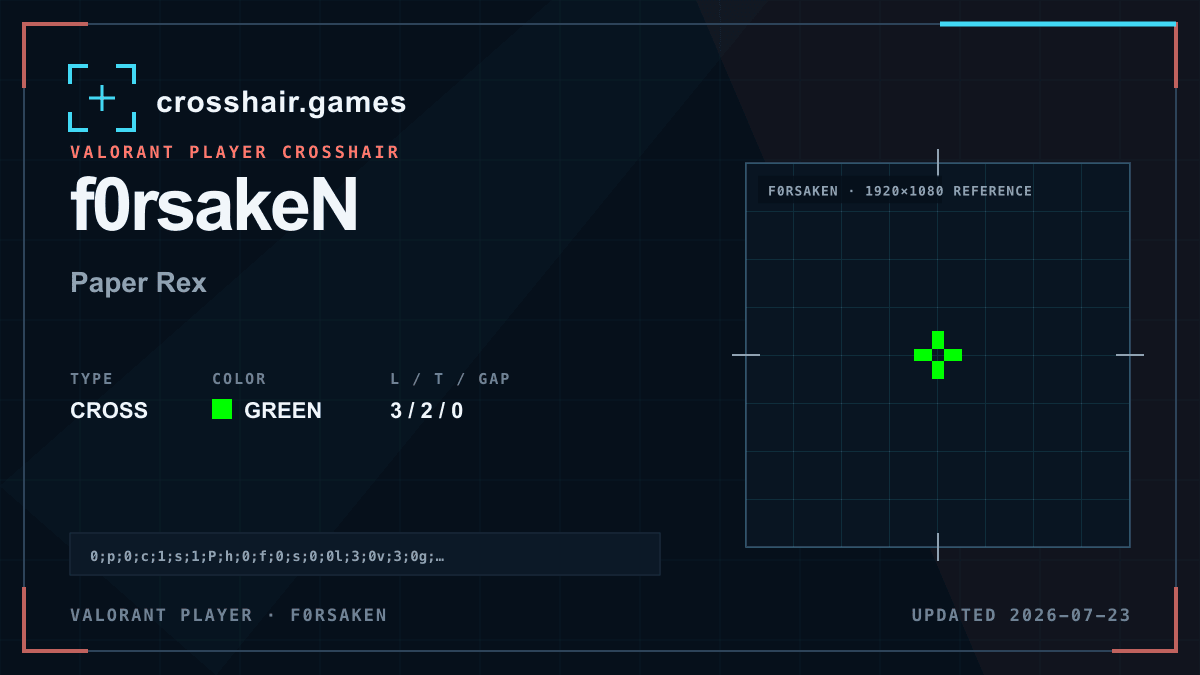
Green supplies strong color contrast and the two-unit line weight remains clear without relying on a border.
A practical choice for players who want a visible cross with straightforward geometry and no extra layers.
A zero gap can feel dense, and green may weaken around similarly colored effects or environment details.
Open the offset slightly if the center hides target detail; keep color and line length unchanged during that test.
The code is copied locally in your browser. No account or upload is involved.
Open VALORANT and go to Settings → Crosshair.
Select Import Profile Code beside the crosshair profile list.
Paste the copied code and choose Import.
Try the crosshair in the Practice Range before using it in a match.
Compare another cross profile before choosing your final setup.