VALORANT
VALORANT CONTRAST COLLECTION
Outlined VALORANT Crosshairs and Codes
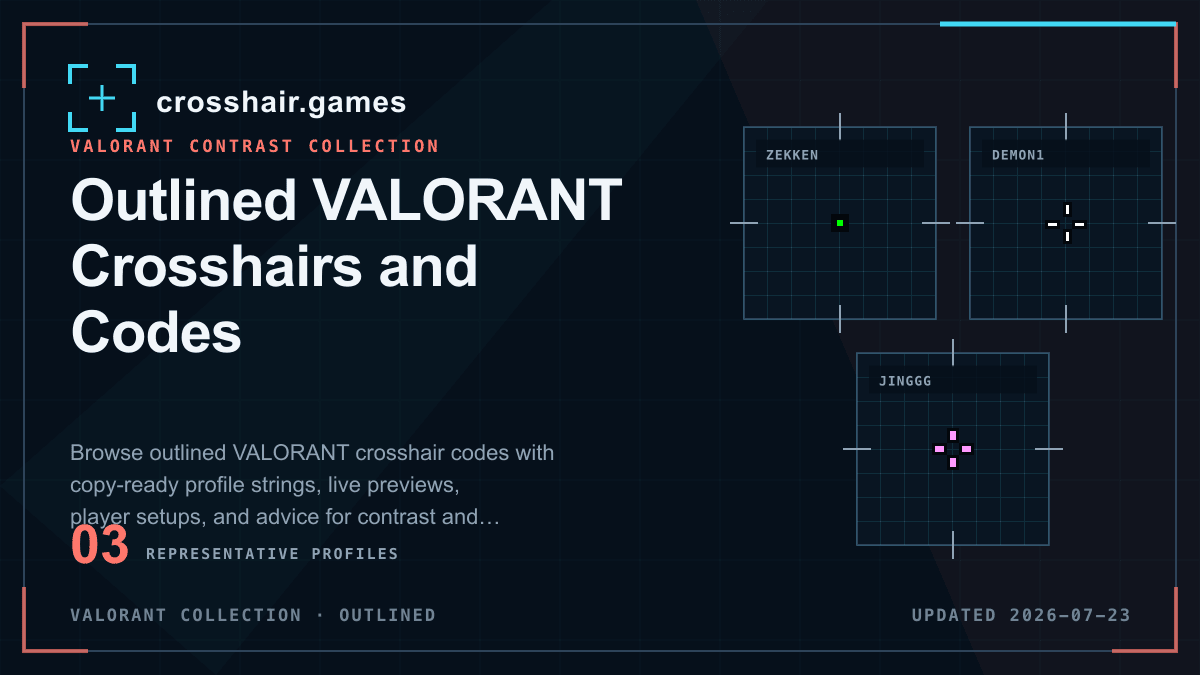
Outlines add a contrasting edge around the active crosshair elements. They can keep pale or bright shapes readable across changing scenes, but they also increase perceived thickness.
WHAT THIS COLLECTION INCLUDES
Compare the setting, not only the catalog label.
Every saved profile in this collection has the modeled outline setting enabled. The native profile string is authoritative and may include separate values for line, dot, ADS, or sniper groups.
Named presets and team tags are community catalog labels, not verified current player settings, affiliations, or endorsements.
COPY-READY PROFILES
Outlined crosshairs for VALORANT
Open any reference preset for its native code, modeled settings, import instructions, and related setups. Detail pages remain out of Search until their attribution can be verified.
VALORANT
VALORANT
VALORANT
VALORANT
VALORANT
VALORANT
VALORANT
VALORANT
VALORANT
VALORANT
VALORANT
PRACTICAL CHECKS
Before you keep the profile
Import first, then evaluate the shape in the game and resolution you use.
Use the lightest effective border
A thin outline protects contrast while preserving the intended gap and target visibility.
Recheck compact centers
An outline adds weight on every side, so small dots and narrow gaps can become much larger than their base geometry suggests.
Compare with outline off
Duplicate the imported profile and disable outline in one copy. A controlled comparison shows whether it solves a real visibility problem.
FAQ
Outlined crosshairs questions
What does a VALORANT crosshair outline do?
It adds a contrasting border around active crosshair elements, helping them separate from similar backgrounds.
Do outlines make a crosshair look thicker?
Yes. The border increases perceived weight and can reduce a small center opening, even when the base line thickness is unchanged.
Are outlines useful for every color?
They are most useful when a chosen color disappears on parts of the map. If contrast is already strong, an outline may add unnecessary visual weight.