How the shape reads
The equal length and thickness make each arm easy to distinguish at close and medium range, while the white color remains neutral across many map palettes.
This is a community catalog label and modeled reference, not a verified official or current setting from donk. Copy the native code below only as a starting point, then test and tune it for your own display.
Copy the complete native value below, then paste it into the in-game import control.
CSGO-2uZLz-jXPTZ-SUkJx-dmJyv-UxQROThe modeled shape combines one-unit white arms with one-unit thickness and a deep negative gap. That creates a dense, compact center with very little visual reach beyond the target.
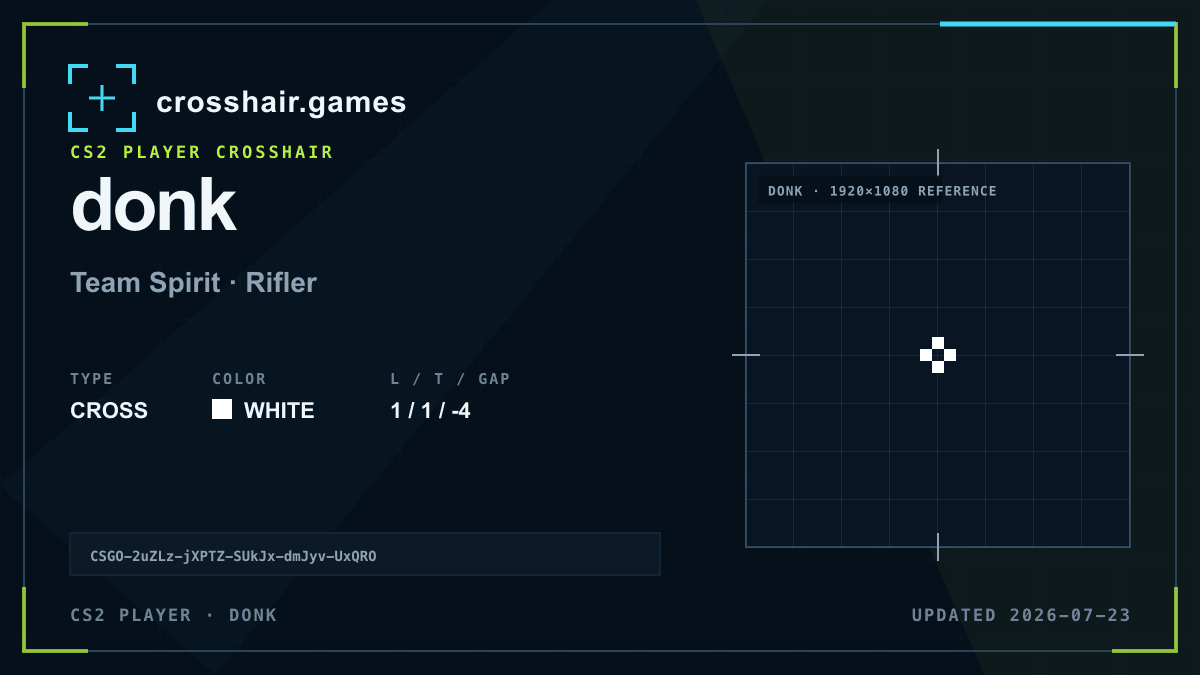
The equal length and thickness make each arm easy to distinguish at close and medium range, while the white color remains neutral across many map palettes.
Useful as a compact baseline for players who prefer a strong central reference and minimal line extension.
The tight gap can feel crowded at distance, and white without an outline may lose separation on bright textures.
Open the gap slightly if distant heads feel covered; change contrast before adding more arm length.
The code is copied locally in your browser. No account or upload is involved.
Open CS2 and go to Settings → Game → Crosshair.
Choose Share or Import in the crosshair preview area.
Paste the copied CSGO- import code and confirm.
Test the crosshair in a practice map before entering a match.
Compare another cross profile before choosing your final setup.