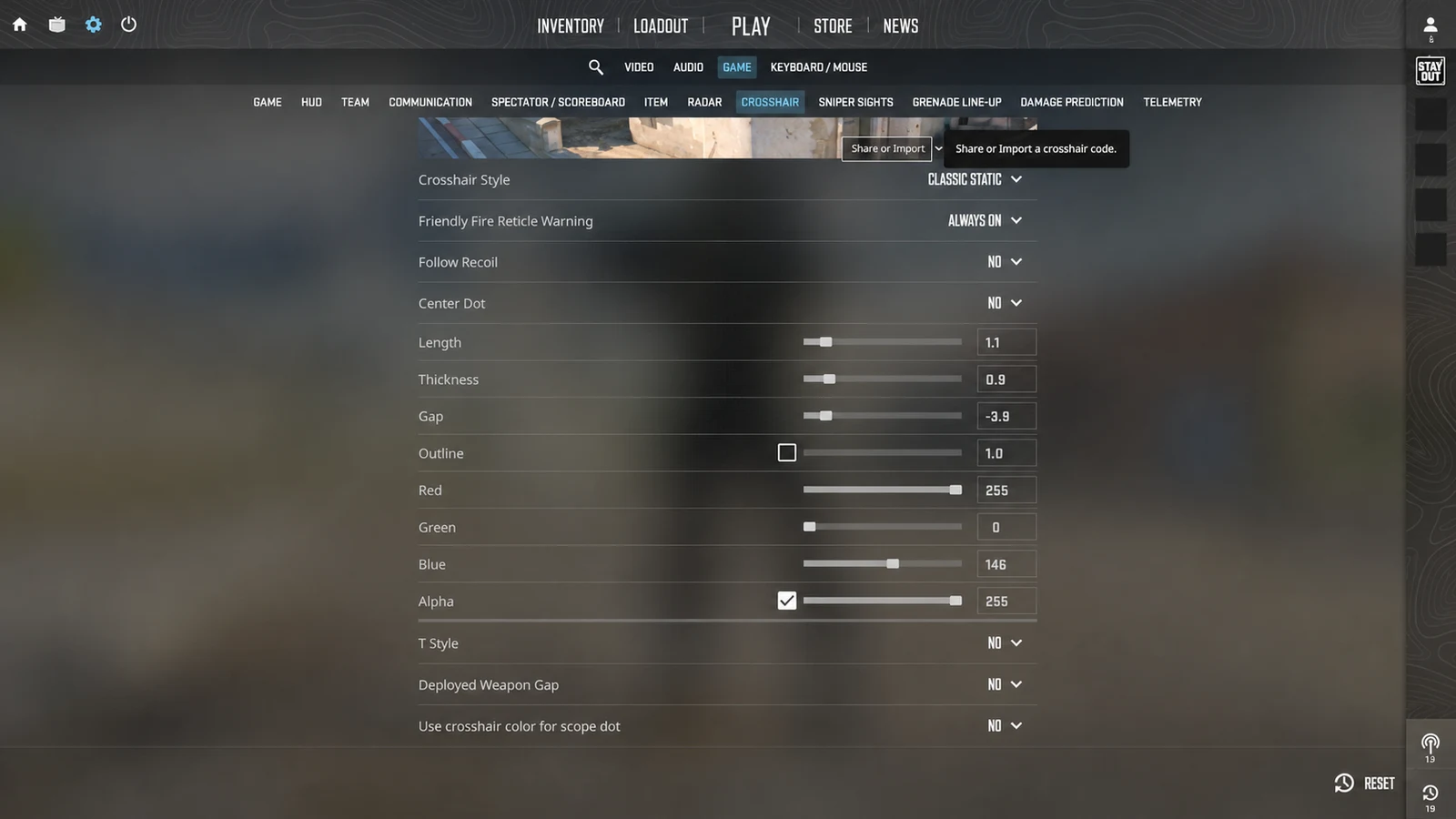
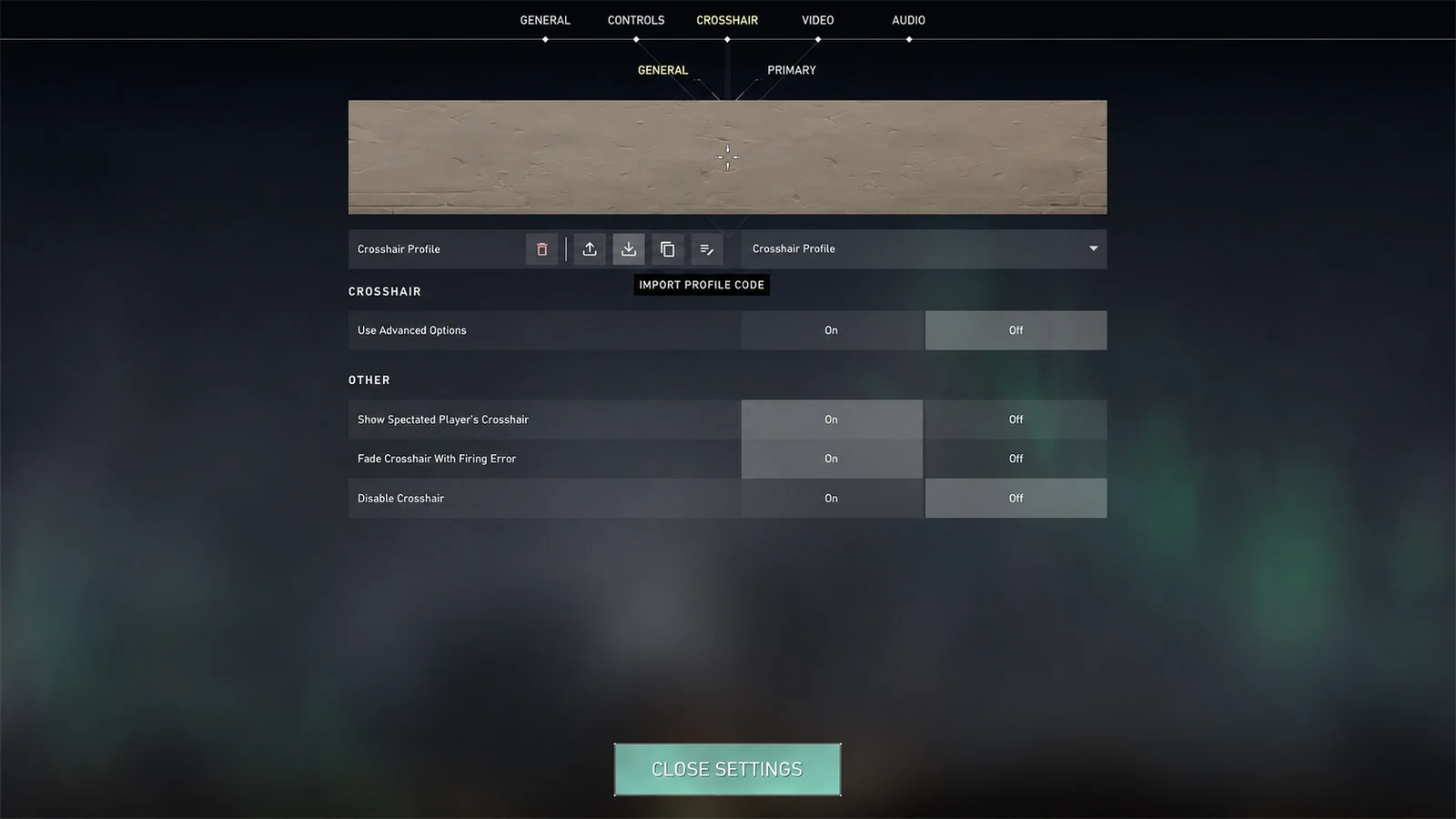
Build a small CS2 crosshair with compact size, controlled thickness, negative gap, readable color, and enough visibility for real matches.
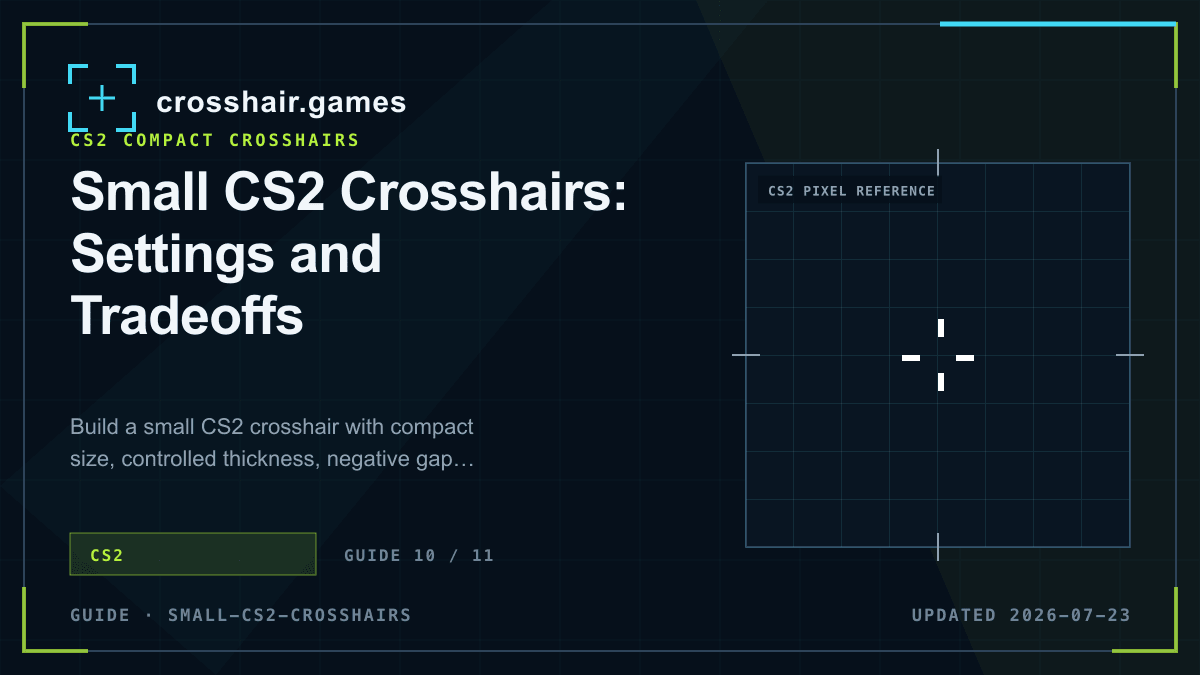
1. Start compact, not microscopic
Use short lines and a slightly negative gap as the baseline. Short arms reduce target coverage, while a compact center keeps the aim point visually connected. Avoid collapsing the gap so far that the arms merge into an unintended block.
A useful starting range is size 1–2 with thickness around 0.5–1. Exact appearance depends on resolution, so treat those numbers as a test range rather than a universal recipe.
2. Balance thickness against line length
When lines become short, thickness contributes a larger share of the visible shape. A small increase can improve recovery, but thick short arms can close the center and cover distant heads.
If a compact profile disappears, try a brighter color or thin outline before making every arm longer. That preserves the low-coverage structure you selected.
3. Keep the center readable
Negative gaps are common in compact CS2 profiles, but the best value depends on line weight. Leave enough center separation to identify the aim point against a player model.
A center dot changes that relationship. It can clarify the middle of an open cross, yet it also adds target coverage. Compare dot-off and dot-on versions at distant head size.
4. Stress-test visibility
Check the profile while standing still, counter-strafing, tracking a close target, and tapping at distance. Include bright and dark backgrounds. A small crosshair that works only on an empty wall is not ready.
Once the setup survives those scenes, keep it unchanged for several sessions. Familiarity is part of visibility, and constant redesign makes compact profiles harder to trust.
- Reduce size before reducing thickness to zero.
- Use color or a thin outline to recover contrast.
- Judge the open center at distant head size.
- Export a fresh share code after final tuning.
Common questions
What size makes a CS2 crosshair small?
Size around 1–2 is a practical compact starting range, but resolution and thickness determine how small it actually appears.
Should a small CS2 crosshair use a negative gap?
A modest negative gap creates a compact center, but extreme values can make thick arms merge. Tune gap together with thickness.
How do I make a small crosshair easier to see?
Try a high-contrast color or a thin outline before increasing line length. That can preserve target visibility.