Understand the main CS2 crosshair console commands for style, size, thickness, gap, color, outline, dot, and alpha.
1. Enable and open the developer console
In CS2, open Settings → Game and set Enable Developer Console to Yes. Press the configured console key—commonly the key below Escape—to open it. Commands can be pasted one at a time or separated by semicolons.
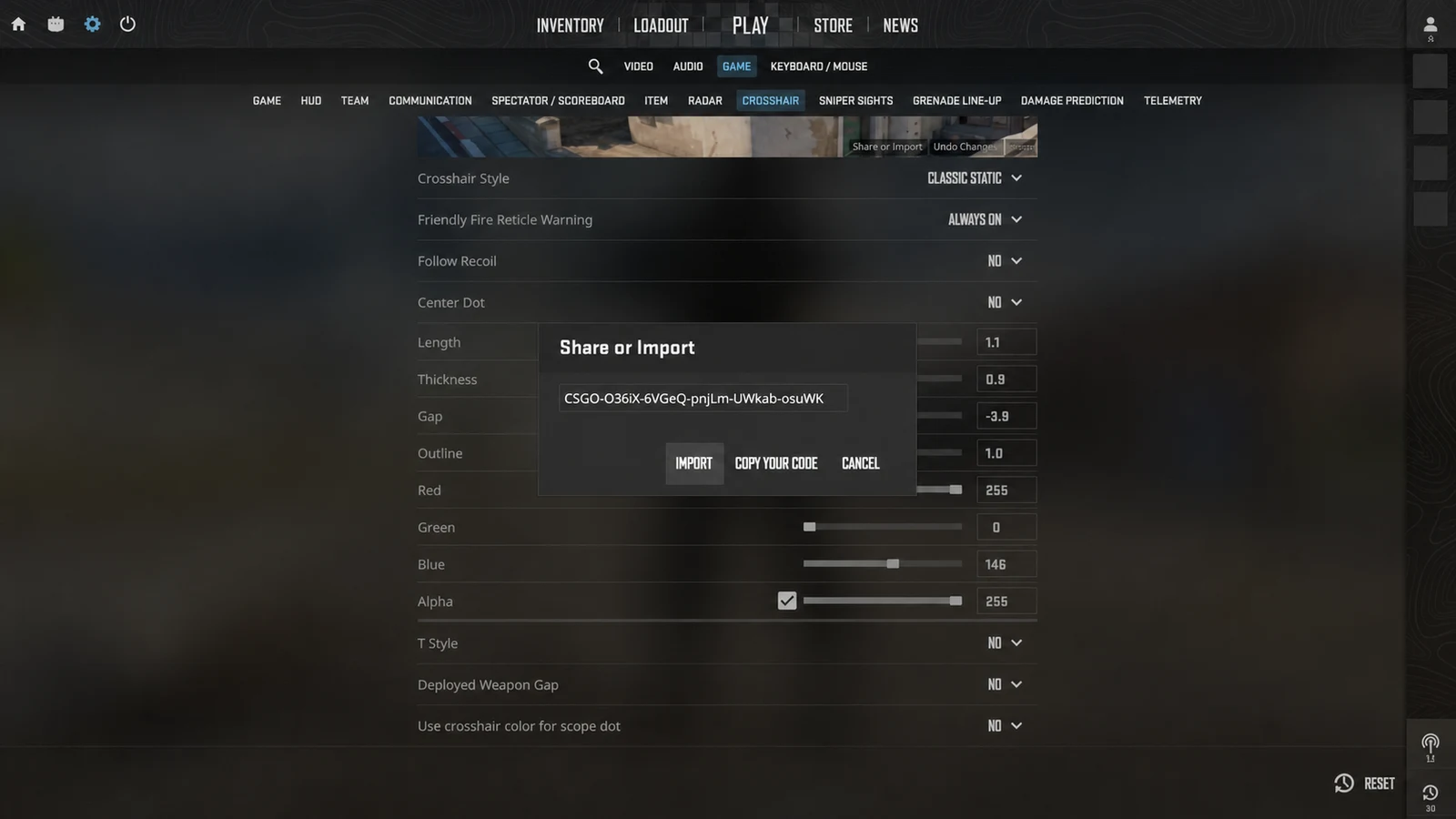
Console commands apply to your current configuration. Save your existing CSGO- share code before experimenting if you want an easy way back.
2. Control style, size, thickness, and gap
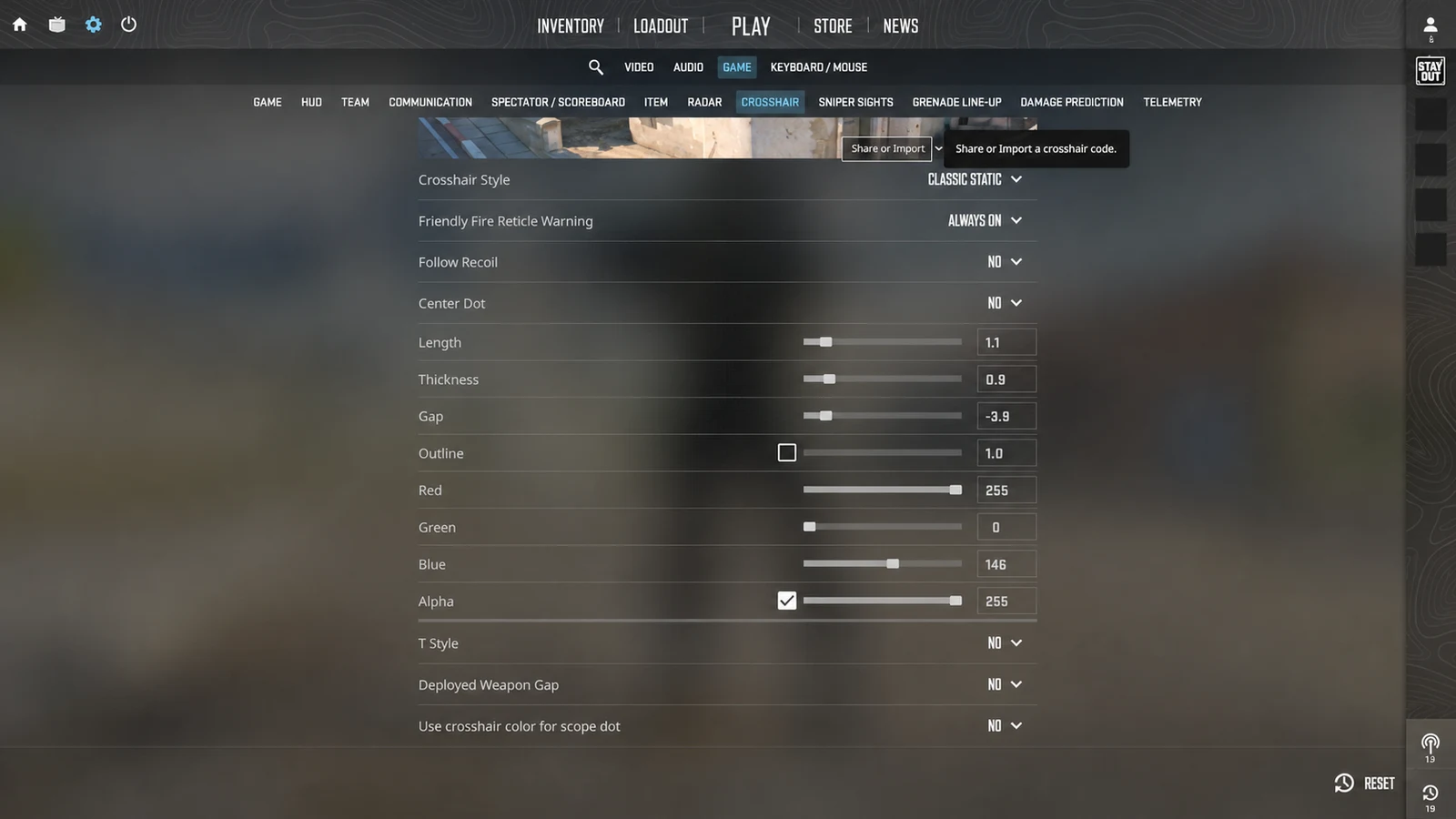
cl_crosshairstyle chooses the behavior. Static style 4 is a common baseline because the lines do not expand with movement. cl_crosshairsize changes arm length, cl_crosshairthickness changes line weight, and cl_crosshairgap moves the arms toward or away from the center.
Negative gap values create a compact center; positive values open it. Extreme negative gaps can make thick lines merge visually, so judge gap together with thickness rather than treating either value in isolation.
- cl_crosshairstyle 4 — static crosshair behavior.
- cl_crosshairsize 2 — line length.
- cl_crosshairthickness 0.5 — line weight.
- cl_crosshairgap -2 — distance from the center.
3. Set color, opacity, and outline
cl_crosshaircolor selects a preset color mode; custom RGB values use cl_crosshaircolor_r, cl_crosshaircolor_g, and cl_crosshaircolor_b. A bright custom color helps the reticle remain distinct from common map surfaces.
cl_crosshairusealpha enables alpha control and cl_crosshairalpha sets opacity. cl_crosshair_drawoutline and cl_crosshair_outlinethickness add a contrasting border. Start with full opacity and no outline, then add a thin outline only when the color disappears.
4. Toggle the center dot and T-style
cl_crosshairdot adds a center mark. It can clarify the exact aim point, but a large or thick dot may cover distant targets. cl_crosshair_t removes the top arm to create a T-shaped reticle.
Both options are preference choices rather than universal upgrades. Test them at the ranges and resolution you use, then export a new share code from the game once the setup is stable.
After tuning commands, use the CS2 Crosshair Share panel to produce one CSGO- code for the finished configuration.
Common questions
What is the most common static CS2 crosshair style command?
cl_crosshairstyle 4 is a dependable static starting point because the reticle does not expand with movement.
Which CS2 command changes crosshair gap?
cl_crosshairgap changes the distance between the four arms and the center. Negative values make the shape more compact.
Are console commands better than a CS2 share code?
They serve different purposes. Commands are useful for editing individual values; a CSGO- share code is faster for moving the complete result.