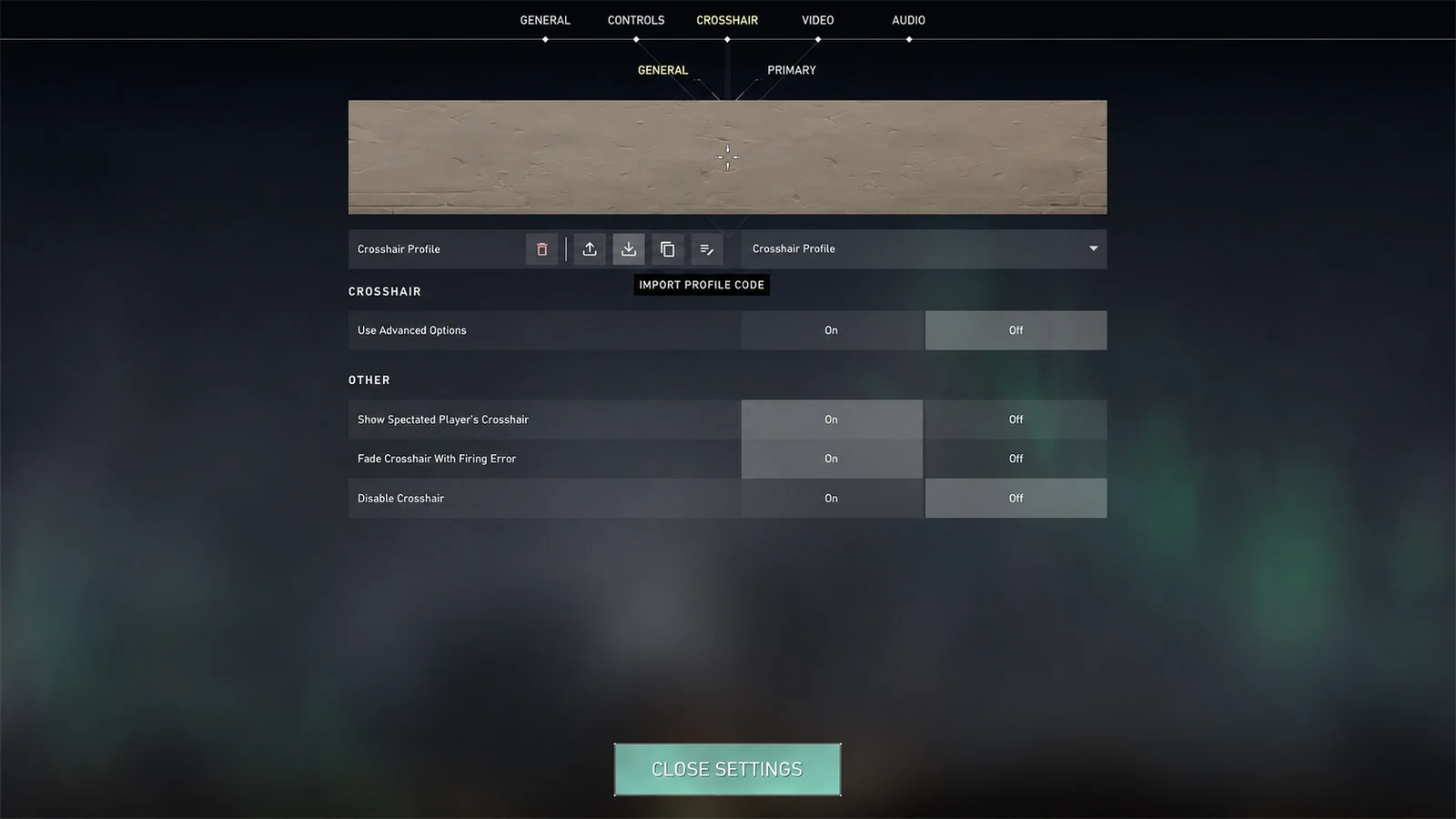
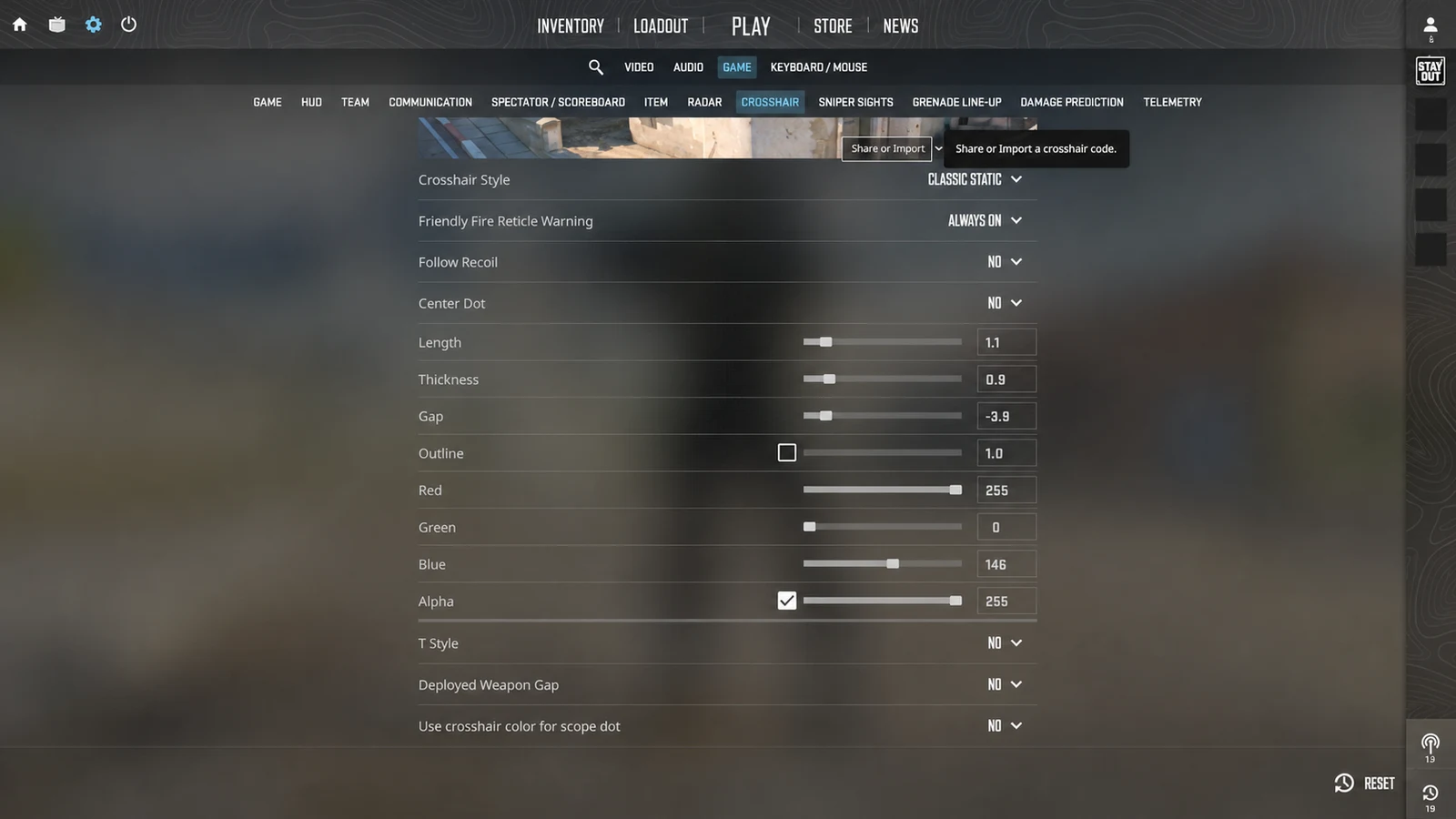
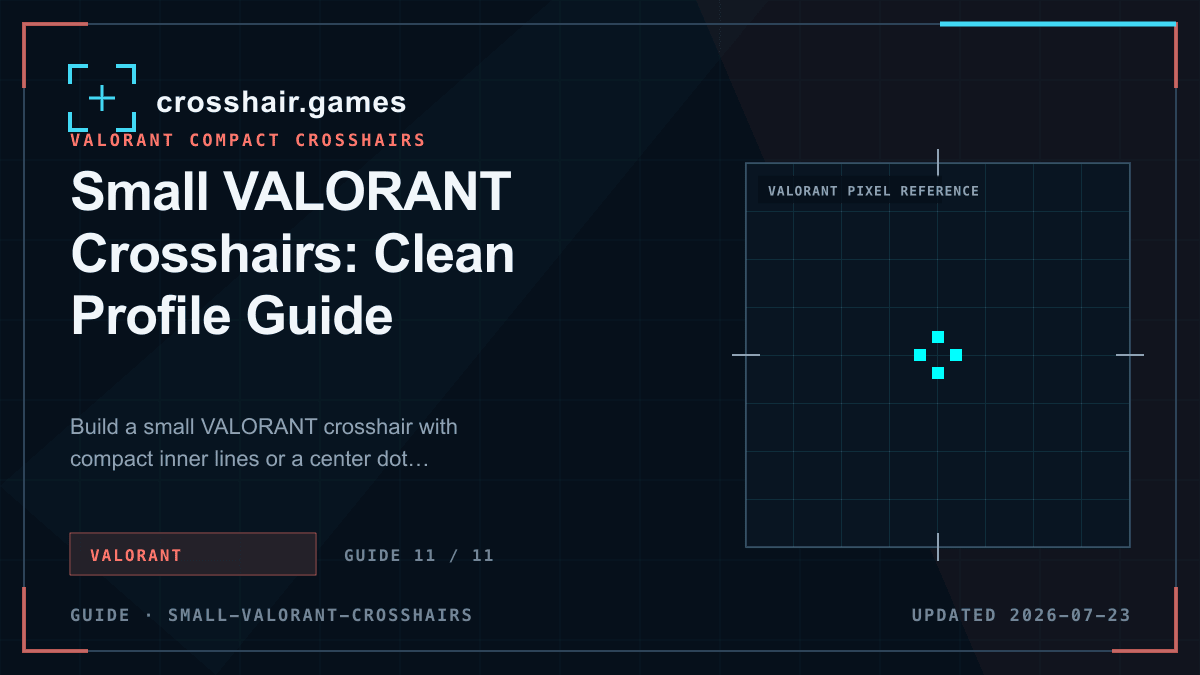
Build a small VALORANT crosshair with compact inner lines or a center dot, controlled outlines, and clear visibility during abilities and movement.
1. Choose one dominant structure
Begin with compact inner lines or a center dot. Enabling both inner and outer lines at similar strength makes a small profile feel busier than its measurements suggest.
For a four-line profile, short inner lines with a narrow offset create an open but connected center. For a dot, use enough size and opacity to remain visible without covering a distant target.
2. Use outline as contrast insurance
A thin outline can keep a small white, cyan, or green shape visible through pale surfaces and effects. It is often a better first correction than increasing every line dimension.
Inspect the center after enabling it. Heavy outlines can close a narrow opening or make a dot look substantially larger, so use the minimum effective value.
3. Keep movement and firing feedback intentional
Error indicators expand line groups and can overwhelm a compact design. Start with movement and firing error disabled if your goal is a stable reference.
If you use an error indicator for practice, place it on a secondary line group or save a separate training profile. That keeps the match profile visually consistent.
4. Validate at range and during effects
Test close tracking, medium bursts, and distant taps in the Practice Range. Then look through common bright and dark ability effects. The crosshair should remain findable without becoming the loudest object on screen.
Save two variants if necessary: one minimal and one with slightly stronger contrast. Compare actual misses and moments of lost visibility rather than choosing from appearance alone.
- Make inner lines the dominant layer.
- Disable unused outer lines.
- Use full opacity as a dependable baseline.
- Check the profile at distant head size.
Common questions
What settings make a VALORANT crosshair small?
Use short inner lines with a controlled offset, or a modest center dot with unused line groups disabled.
Should a small VALORANT crosshair have outlines?
A thin outline can improve contrast, especially for white or pale colors, but too much outline can close the center.
Are small crosshairs better for headshots?
They can preserve more target detail, but they do not change weapon accuracy. A profile that disappears will be less useful than a slightly larger readable one.