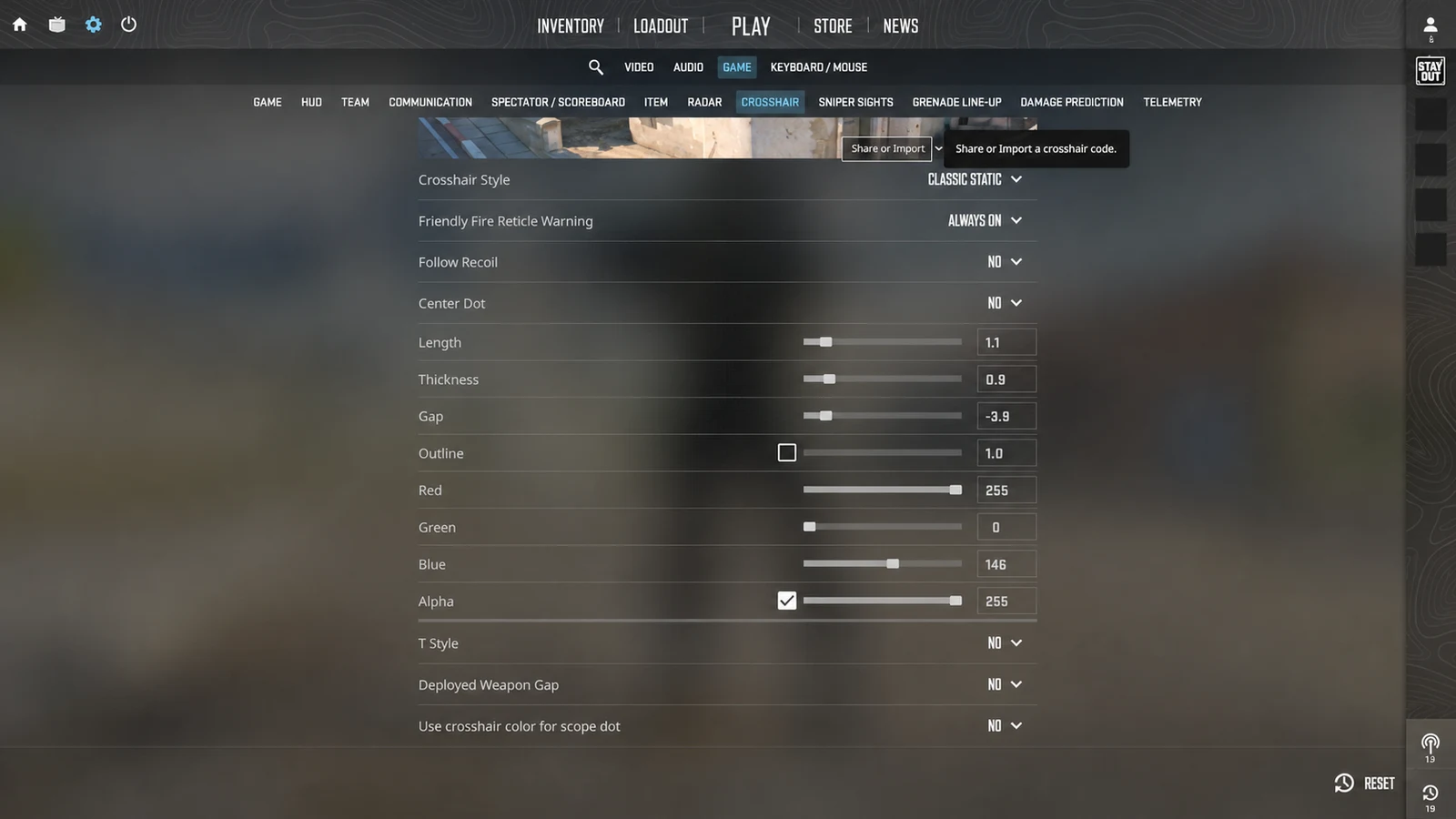
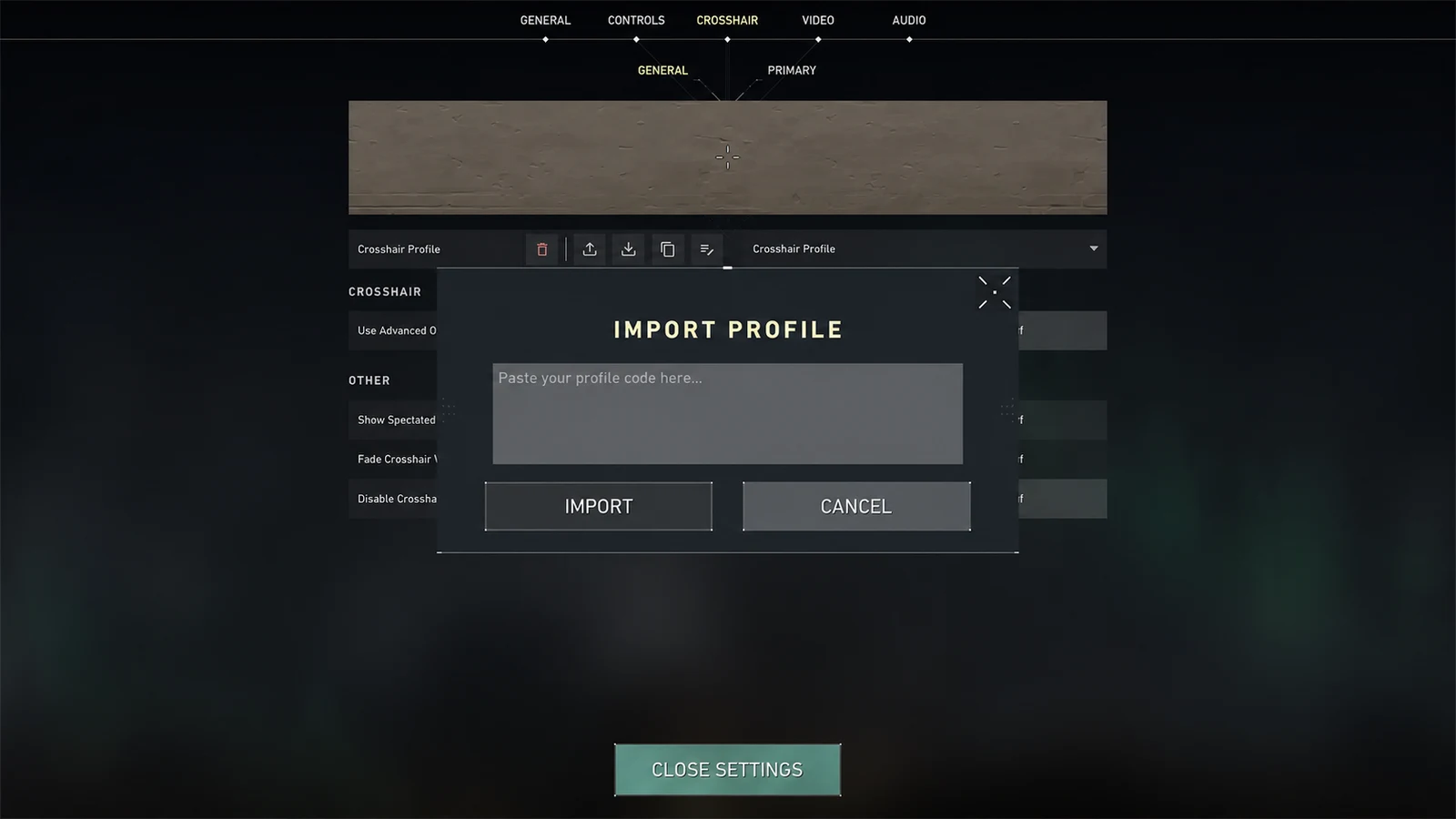
Choose a high-contrast crosshair color for CS2 or VALORANT and decide when cyan, green, white, yellow, red, or an outline works best.
1. Optimize contrast across changing scenes
Competitive maps move quickly between bright walls, dark rooms, sky, smoke, and saturated effects. A color that looks perfect on one surface can vanish on the next, so evaluate it across several representative scenes.
Cyan and bright green are common starting points because they differ from many warm and neutral environments. They are not universal winners: green can blend into foliage or green ability effects, and cyan can weaken against blue lighting.
2. Understand the common color tradeoffs
White is clean and neutral but needs help on bright backgrounds. Yellow is highly visible in many dark scenes yet can blend into warm highlights. Red and pink stand apart from cool scenes but may compete with damage or enemy-highlight colors.
Color perception differs between people and displays. If two shades seem similar under pressure, choose the one that separates most clearly from both the environment and any enemy outline setting you use.
- Cyan: strong general contrast, weaker in blue scenes.
- Green: bright and familiar, weaker around foliage or green effects.
- White: neutral and sharp, often benefits from an outline.
- Yellow: bright on dark scenes, can blend into warm light.
- Red or pink: distinct in cool scenes, may compete with combat cues.
3. Add an outline before making the shape larger
A thin dark outline protects a pale or bright crosshair when it passes over a similar surface. That often preserves a compact shape better than increasing line thickness or length.
Too much outline changes the perceived geometry and can close a small gap. Use the lowest outline thickness that restores separation, then recheck distant targets.
4. Use a repeatable color test
Create two otherwise identical profiles and change only the color. Check each on a bright surface, a dark surface, a busy effect, and a player model. The better color is the one you find first in the weakest scene.
After choosing, keep it stable for several sessions. Familiarity improves recovery, while changing color every match prevents you from learning how the reticle behaves in different environments.
Common questions
What is the most visible crosshair color?
There is no universal winner. Cyan and bright green are useful starting points, but map palette, display settings, and color vision determine the best contrast.
Should a white crosshair use an outline?
A thin dark outline often helps white remain visible on bright surfaces without requiring a larger crosshair.
Does crosshair color affect accuracy?
It does not change weapon mechanics, but better visibility can help you relocate and place the reticle more consistently.